Students
A student records a lecture or study explanation and needs searchable notes instead of replaying the entire recording.
A transcript creates a draft they can review, highlight, and reorganize.
Audio terminology
The process is called audio transcription, speech-to-text, or audio-to-text conversion. It turns spoken words in a recording or live source into written language you can read, edit, and search.
In simple terms
What is it called when you convert audio to text? It is usually called transcription: software or a person converts spoken language into a written transcript. Audio to text is the broader, plain-language name for the same task.
Common uses
The same basic conversion helps different people move from listening to reviewing, searching, editing, or sharing information.
A student records a lecture or study explanation and needs searchable notes instead of replaying the entire recording.
A transcript creates a draft they can review, highlight, and reorganize.
An interview contains details that are difficult to capture accurately while maintaining eye contact and asking follow-up questions.
A transcript provides a working reference for quotes, themes, and fact-checking.
A podcast, webinar, or recorded presentation needs a written version for editing, captions, or repurposing.
The transcript becomes a starting point for articles, summaries, and accessible content.
A learner plays spoken material and types what they hear to build listening accuracy and speed.
Audio gives the learner a repeatable source for focused transcription practice.
The process
Whether the source is a saved file or a live microphone, audio to text follows the same broad path from sound to language.
A recording or microphone provides an audio signal containing voices, pauses, background noise, and other sounds.
Speech-recognition software analyzes the signal and matches portions of the sound to likely words and phrases.
The resulting text can be checked for names, punctuation, speaker changes, unclear passages, and formatting before it is shared.
Know the limits
Transcription is useful, but the output is not automatically a perfect record of every sound or meaning in a recording.
Heavy accents, rapid delivery, mumbling, low volume, and overlapping speakers can produce incorrect words.
What to do instead
Use a clear recording and review names, numbers, and important quotations against the audio.
A transcript records language; it may not reliably capture sarcasm, emotion, gestures, or meaning conveyed only by context.
What to do instead
Add human notes or summaries when tone and nonverbal context matter.
When several people speak at once or voices sound similar, speaker labels can be incomplete or assigned incorrectly.
What to do instead
Use distinct turns, reduce background noise, and verify labels during editing.
Raw output can lack headings, clean punctuation, timestamps, or the structure needed for publication.
What to do instead
Treat the transcript as a draft and format it for its intended audience.
See the change
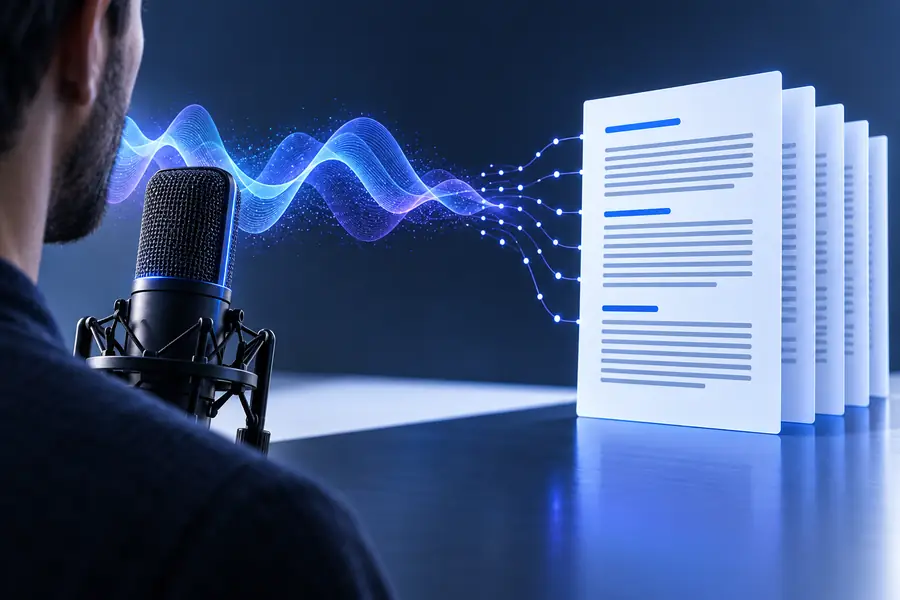
The words are converted first; editing makes the result publication-ready.
Spoken audioWritten transcriptAt a glance
These are the three practical elements behind a useful transcription workflow: a source, a conversion step, and a reviewable result.
Now that you know the term, try an audio to text workflow for a recording, interview, lesson, or voice note. Start with a clear source and review the transcript before relying on it.
Your question
It is commonly called transcription, speech-to-text, or audio-to-text conversion. The terms describe turning spoken language from a recording or live source into written words.
In everyday use, audio to text and transcription usually mean the same basic process. Transcription is the more established professional term, while audio to text is a clearer descriptive phrase.
Speech-to-text means converting spoken words into written characters using speech-recognition technology. It can describe live dictation as well as the processing of an existing audio recording.
Not always. Accuracy can be affected by background noise, unclear speech, accents, technical vocabulary, and overlapping speakers, so important passages should be reviewed against the audio.