Clear comparison

Audio to text vs transcribe: choose the right workflow

Audio to text vs transcribe usually describes two views of the same job: turning spoken sound into written words. The better choice depends on whether you need a quick readable draft, a polished record, or a repeatable process.

2
Common workflow approaches
6
Practical comparison dimensions
3
Steps in a simple migration path
Try it free
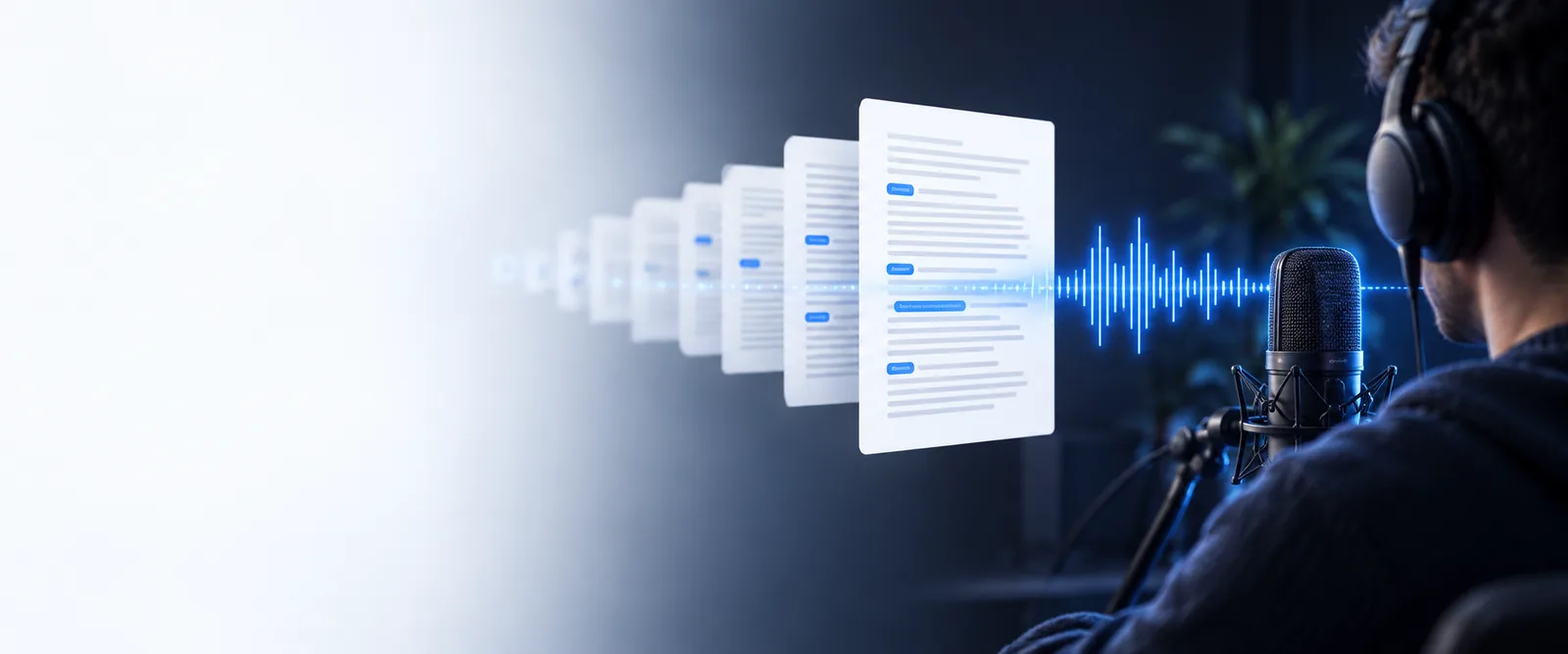
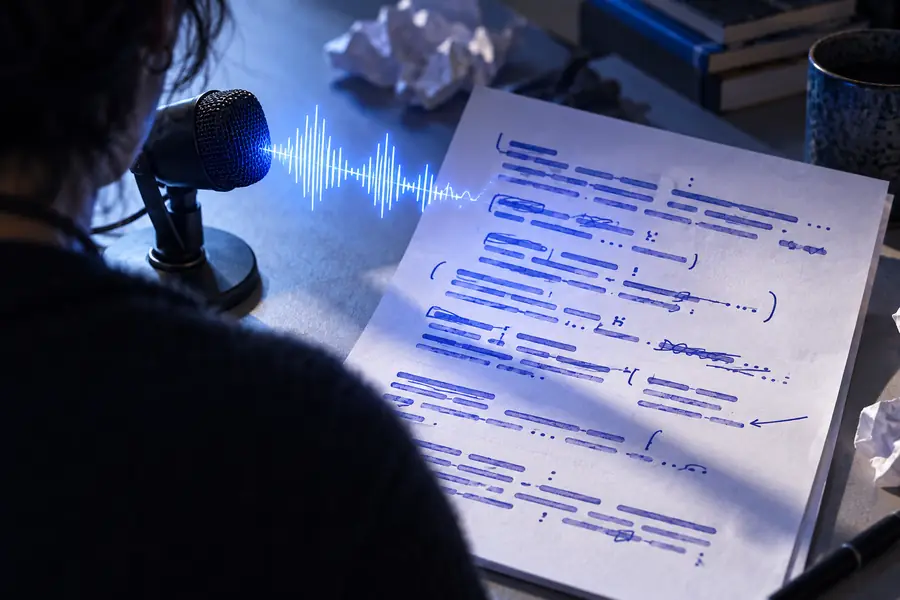
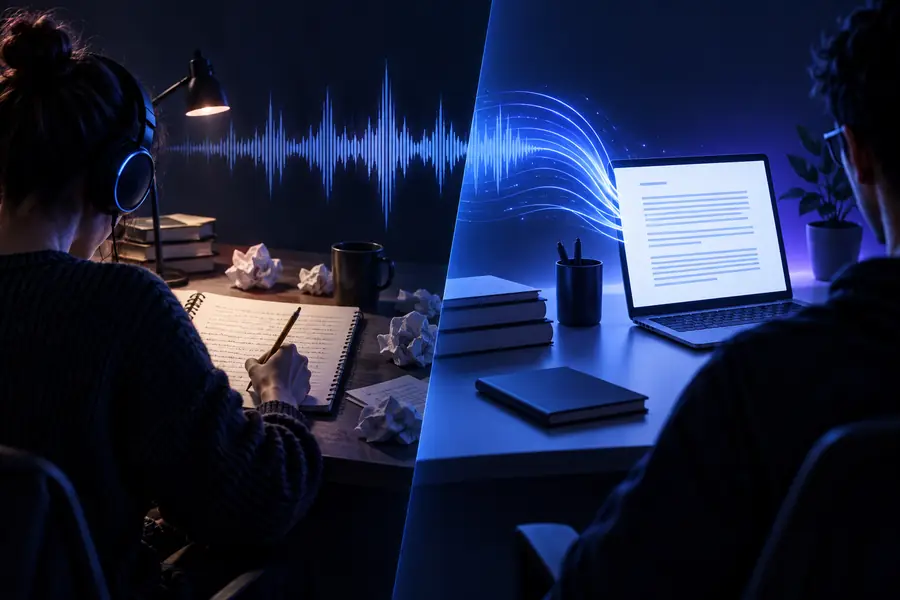
Audio waveform beside a clean text transcript

Best fit

Who each approach suits

The distinction matters most when the same recording serves different goals. Match the workflow to the outcome you need after the words are captured.

Students and researchers

You need searchable notes from lectures, interviews, or study material without spending an hour typing every sentence.

Start with audio to text for a fast draft, then correct names, quotations, and technical terms before citing it.

audio to text transcription free

Content teams

You are turning a podcast, webinar, or interview into articles, captions, or social excerpts.

Use a transcription workflow when speaker labels, timestamps, and a clean editorial record matter as much as the raw wording.

audio to text online

Journalists and interviewers

You need to review several conversations quickly while preserving the context around important answers.

Choose audio to text for discovery, then apply a careful transcription pass to the selected sections that will be published.

best audio to text review

Accessibility and operations teams

You need written access to meetings, instructions, or spoken updates for people who cannot rely on audio alone.

Favor transcription when consistency, correction, and a dependable final record are part of the requirement.

audio to text online

Simple process

A practical migration path

You do not have to choose one method forever. A staged process lets you move from quick capture to publication-ready text only when the result justifies the extra review.

  1. 1

    Capture the first draft

    Upload or process the recording with an audio to text workflow. Use the result to find the main ideas, memorable quotes, and sections worth keeping.

  2. 2

    Check the high-risk details

    Review names, numbers, jargon, overlapping speakers, accents, and moments where background noise makes the wording uncertain.

  3. 3

    Polish only what matters

    For an internal note, the draft may be enough. For captions, research, or publication, add speaker labels, timestamps, punctuation, and a final listening pass.

Know the limits

Where the shortcut can fall short

A fast conversion is useful, but it is not automatically a finished transcript. These caveats help you set the right expectations before sharing the text.

1

It may miss specialized terms

Names, product language, medical vocabulary, and uncommon acronyms can be rendered phonetically or inconsistently.

What to do instead

Keep the audio beside the text and create a short correction list for recurring terms.

2

It may flatten multiple speakers

A basic result can place several voices into one continuous block, making conversations harder to audit.

What to do instead

Add speaker labels manually or choose a workflow that explicitly supports speaker separation.

3

It may lose delivery context

Pauses, hesitation, emphasis, laughter, and background events are not always represented in plain text.

What to do instead

Preserve timestamps or add editorial notes where tone and timing change the meaning.

4

It does not remove the need for judgment

No conversion method can decide which statement is accurate, publishable, sensitive, or safe to quote.

What to do instead

Treat the output as source material and assign a human review before external publication.

Side by side

Audio to text vs transcribe: the verdict first

Audio to text is the broad conversion goal; transcribing is the more deliberate process of producing a usable written record. In practice, the first is ideal for speed and discovery, while the second adds structure and verification.

Audio to text Transcribe
Primary goal Turn spoken audio into readable text quickly. Create a dependable written record from spoken audio.
Typical output A useful first draft that may need cleanup. An edited transcript with clearer structure and context.
Speed Usually favors rapid capture and review. Takes longer when checking details and formatting.
Speaker handling May provide one continuous text stream. More likely to include speaker labels or deliberate separation.
Timestamps Helpful when available, but not always central. Often important for captions, research, and audit trails.
Editing effort Low for notes; moderate for anything shared publicly. Higher because wording, punctuation, and layout receive attention.
Best use Search, summaries, brainstorming, and finding key moments. Publication, accessibility, legal review, and durable records.
Human review Optional for low-stakes internal use. Recommended whenever precision or accountability matters.

Decision snapshot

The trade-off in three useful numbers

These numbers describe the workflow decision rather than promising a fixed tool performance: two approaches, three review stages, and six checks that commonly affect the final result.

Quick conversion or deliberate transcription
2 approaches
Capture, check, then polish
3 stages
Terms, speakers, timing, punctuation, context, and accuracy
6 checks

Output quality

From rough capture to usable record

The same recording can produce a useful discovery draft or a publication-ready transcript. The difference is usually the review and structure added after the first pass.

Unedited spoken-word conversion with rough punctuation
Quick draft
Structured transcript with readable paragraphs and speaker context
Reviewed transcript

Review adds structure, not just more words.

Quick draftReviewed transcript

Make the choice

Use Audio To Text for quick access to the substance of a recording. If the result will guide decisions, support accessibility, or appear in public, keep the draft and complete a focused transcription review before sharing it.

Start with the words, then decide how polished they need to be

  • Useful first draft for notes and discovery
  • Clear path from capture to publication
  • Human review remains in your control
Convert my audio

Comparison FAQ

Audio to text vs transcribe: common questions

They overlap, but they are not always used to mean exactly the same thing. Audio to text usually emphasizes converting speech into written words, while transcription often implies a more complete and carefully reviewed written record.

Audio to text is generally faster when you only need a readable draft or a way to search the recording. Transcription can take longer because it may include speaker labels, timestamps, punctuation fixes, terminology checks, and a final listening pass.

Yes, especially for quickly finding themes, quotes, and sections worth reviewing. If the interview will be published, cited, or used for a sensitive decision, treat the initial output as a draft and verify important passages against the recording.

A fuller transcription is better when accuracy, accessibility, accountability, or presentation matters. It is the stronger choice for captions, research records, legal or operational documentation, and content that other people will rely on.

Yes. A practical path is to create the first text draft, check names and uncertain passages, then add structure such as speaker labels, timestamps, and corrected punctuation. This avoids spending equal editing time on sections you may never use.

Start converting
Start converting