
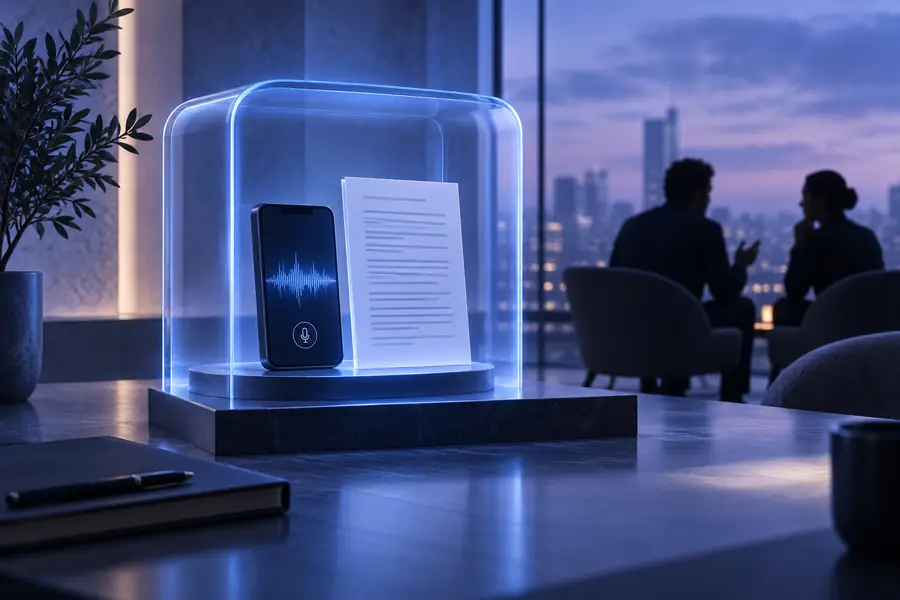
is audio to text safe reddit? Check the privacy boundaries

If you are asking “is audio to text safe reddit,” the honest answer is that safety depends less on the label and more on where your recording goes, how long it stays there, and who can access the transcript. Use this guide to make a sensible decision before uploading sensitive audio.

What audio to text actually is

Audio to text is a processing step: a recording is analyzed for speech and turned into written output. The tool may need temporary access to the file, but that does not automatically tell you whether the file is retained, reviewed, or reused.

1

It cannot guarantee confidentiality

A transcript tool can process speech, but the word “transcription” does not promise private handling. The service’s retention and access policies control that.

What to do instead

Read the privacy and deletion terms, and remove names or identifying details when practical.

2

It cannot remove sensitive content

The output may reproduce passwords, medical details, legal statements, addresses, or other information spoken in the recording.

What to do instead

Edit or redact the transcript before sharing it with anyone else.

3

It cannot verify the speaker’s consent

A converter has no reliable way to know whether every person captured in the audio agreed to recording or processing.

What to do instead

Obtain consent where required and avoid uploading recordings made in restricted settings.

4

It cannot make a public service local

A browser interface may look simple while processing still happens on a remote server.

What to do instead

Choose a documented local workflow when the recording must remain on your device.

What audio to text actually is

A safer decision comes from following the data path instead of relying on marketing language or a reddit comment.

  1. 1

    Identify the recording

    Classify the audio before upload: casual notes, a public interview, a client call, health information, legal material, or something confidential.

  2. 2

    Check the service path

    Look for transport encryption, retention periods, deletion controls, human review, model-training language, and the countries or providers involved.

  3. 3

    Review the output

    Treat the transcript as a draft that may contain errors or sensitive phrases. Correct it, redact it, and share only the portion needed.

Boundary conditions

The difference between a careless workflow and a considered one is often visible before the transcript is shared.

Audio file prepared for an unchecked online transcription upload
Unchecked upload
Audio transcription workflow with privacy checks and redaction
Reviewed workflow

The safer result comes from checking the data path, not from assuming every converter has the same controls.

Unchecked uploadReviewed workflow

Boundary conditions

These figures are decision prompts, not promises about every service. They summarize the minimum questions worth answering before sensitive audio is processed.

Where the file goes, how long it stays, and who can access it
3 checks
A transcript can create both useful text and a second copy of sensitive information
2 outputs
A tool name alone proves nothing about retention, review, or reuse
0 guarantees
Use the least exposed workflow that still meets your accuracy needs
1 decision

Boundary conditions

The table separates common assumptions from the more precise question to ask. Privacy is a property of the workflow and policy, not simply of the conversion task.

Common assumption More accurate view
The browser makes it private If the page is in a browser, the audio must stay on the device. The browser may only be the interface; processing can still happen on a remote service.
AI means unsafe Any automated speech model is inherently dangerous. Risk depends on collection, retention, access, reuse, and the sensitivity of the recording.
No sign-up means anonymous A service without an account cannot associate the upload with you. Network logs, cookies, payment-free identifiers, or provider records may still exist.
A transcript is harmless Written text is less sensitive than the original audio. A transcript may be easier to search, copy, quote, and distribute than the recording.
A privacy policy is enough Finding a policy page proves the workflow is safe. You still need to check whether the policy clearly covers deletion, subprocessors, and model training.
Redaction can wait It is fine to upload everything and clean it up later. Reducing sensitive detail before processing lowers exposure if the file is retained or accessed.

When not to use audio to text

Some recordings deserve a stricter path than a general online converter. These examples point to safer next steps and related workflows.

Legal or employment records

The recording contains testimony, disciplinary details, negotiations, or identifiable workplace conversations.

Use an approved provider or documented local process, then limit transcript access and preserve the original securely.

What is the best secure way to transcribe audio to text?

Health and care conversations

The audio includes diagnoses, treatment details, patient identifiers, or private family information.

Do not use an unreviewed public tool; follow the relevant organizational policy and remove identifiers where possible.

audio to text online free no sign up

Public interviews and lessons

The speaker has consented and the subject is low risk, but you still need a readable draft quickly.

An online workflow may be reasonable after checking retention and editing the transcript before publication.

audio to text transcription free

When not to use audio to text

Audio to text is useful, but convenience should not outrank confidentiality. If the recording could harm someone when exposed, pause and verify the service path before processing it.

Choose the workflow that matches the recording

  • Review retention and deletion terms
  • Remove unnecessary identifying details
  • Use a local or approved workflow for high-risk audio
Check privacy options

Frequently asked questions

These answers address the practical concern behind searches about safety and online transcription.

There is no universal yes or no. Safety depends on the service’s storage, retention, access, deletion, and model-training practices, plus the sensitivity of your recording. Treat online comments as experiences, not proof of a service’s current policy.

It can, depending on its stated retention policy and technical workflow. Before uploading, look for explicit language about temporary files, deletion timing, backups, human review, and third-party processors.

Not necessarily. Text can be easier to search, copy, quote, and distribute, even though it lacks the speaker’s voice. Review and redact the transcript before sharing it.

Use the least exposed workflow that meets your needs, remove unnecessary names or identifiers, and verify who processes the file. For sensitive material, prefer a documented local or approved service with clear deletion controls.

Use it as a starting point for questions, not as a guarantee. Policies, vendors, retention settings, and product behavior can change, so confirm the current documentation yourself before uploading confidential audio.

Start converting
Start converting