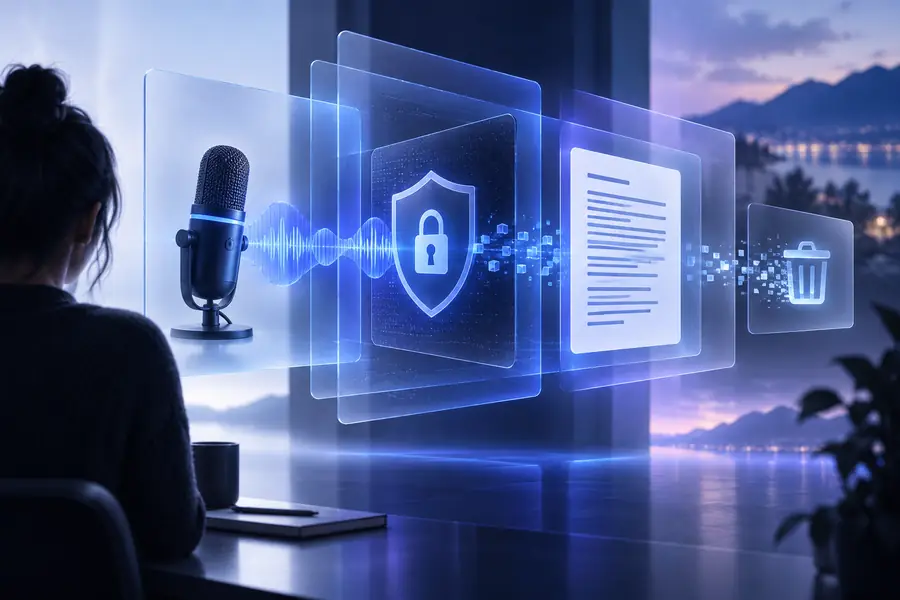
Privacy-first guide

What is the best secure way to transcribe audio to text?

The best secure way to transcribe audio to text is to use a trusted workflow that limits access, avoids unnecessary account sharing, and lets you review the result before storing it. This guide explains the practical choices without treating privacy as a vague promise.

0
Account fields required to begin
6
Supported site locales
1
Review before you share
Start transcribing
Privacy-focused audio transcription workflow

How it is done today

Modern transcription can be more controlled, but no tool removes every privacy responsibility. These are the boundaries to keep in view before uploading sensitive speech.

1

It cannot classify sensitive material perfectly

A transcript may contain names, medical details, financial information, or confidential plans that an automated system does not recognize as sensitive.

What to do instead

Remove unnecessary sections first, and label the resulting text before sharing it.

2

It cannot guarantee zero exposure

Any online conversion involves a transfer or processing event, and a privacy label alone does not prove how every technical layer behaves.

What to do instead

Use the minimum necessary recording and avoid uploading material that must remain entirely offline.

3

It cannot fix a risky source file

Metadata, long pauses, nearby conversations, and unrelated speakers can reveal more than the words you intended to transcribe.

What to do instead

Trim the recording, remove metadata where practical, and check for unintended voices before conversion.

4

It cannot replace access control

A private transcript becomes exposed if it is downloaded to a shared device, placed in an open folder, or forwarded without review.

What to do instead

Store the final text in a restricted location and delete temporary copies when they are no longer needed.

What changed

The secure workflow is less about finding a magic setting and more about making three deliberate decisions: minimize, process, and review.

  1. 1

    Minimize the recording

    Keep only the section needed for the task. Cut unrelated speakers, room conversation, and identifying details before sending anything for conversion.

  2. 2

    Process the smallest useful copy

    Choose the least revealing file and avoid adding personal details to the request. A focused input creates fewer privacy decisions later.

  3. 3

    Review before sharing

    Read the transcript for names, errors, accidental disclosures, and sensitive passages. Correct the text, then keep or distribute only the version you need.

Who switched

People moved to privacy-aware transcription when manual handling became too slow or too difficult to control. The useful numbers here describe the workflow, not a promise of perfect secrecy.

Account fields before starting
0 required
Human check before sharing
1 review
Available site language options
6 locales

Who switched

The same privacy habits apply across different kinds of recordings. Each example keeps the task narrow, checks the output, and links to a workflow suited to that use case.

Independent researcher

A researcher records a short interview and needs searchable notes without distributing the full audio to several collaborators.

Trim the file, convert only the relevant section, and share a reviewed transcript rather than the raw recording.
transcribe audio recording to text

Remote meeting host

A host wants a written record of a meeting while limiting exposure of unrelated conversation before circulation.

Remove opening chatter, review names and decisions, then send a concise transcript to the intended group.

audio to text online free

Student or beginner

A learner needs notes from a lecture but does not know which parts of the recording should remain private.

Start with a focused excerpt and use the beginner workflow to inspect the result before saving it.

audio to text examples for beginners

Mobile worker

A person captures a voice memo on a phone and needs text without building a complicated account trail.

Use a short recording, remove accidental background speech, and keep the final text in a controlled location.

audio to text alternative for android

What changed

The contrast is simple: privacy improves when the workflow moves from broad sharing to a small, deliberate handoff followed by review.

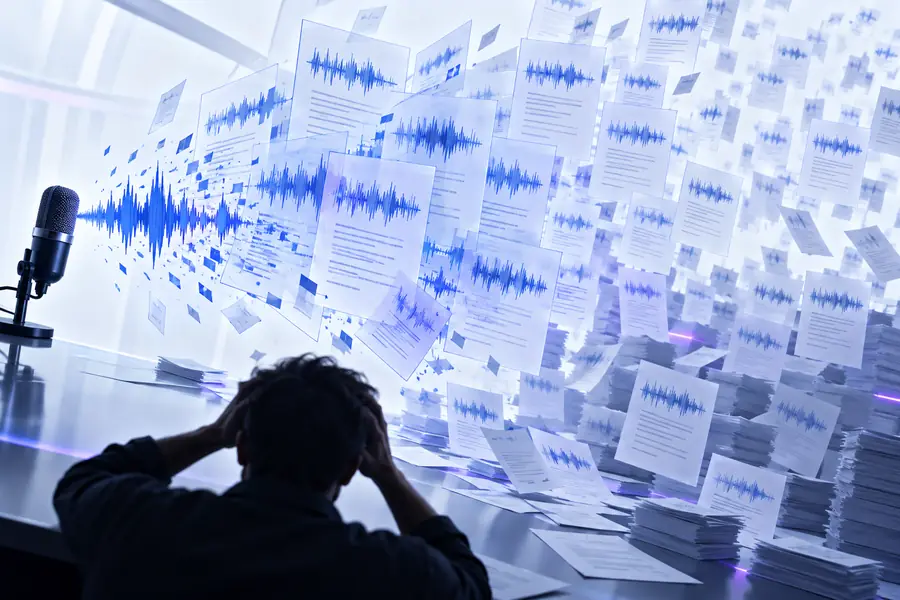
Uncontrolled audio transcription with multiple copies
Before: broad handoff
Focused transcription workflow with a reviewed text result
After: limited and reviewed

You do not need a complicated policy to make a recording safer to handle. Start with the smallest useful file, avoid unnecessary identifying details, and inspect the transcript before it leaves your control.

Make privacy part of the transcription step

  • Use a focused recording
  • Review sensitive passages
  • Share only the final copy
Try audio to text

Its own FAQ

The short answer to the privacy question is a workflow, not a single brand name: limit the input, understand the handoff, and review the output.

The best secure way to transcribe audio to text is to minimize the recording first, use a trusted conversion workflow, and review the transcript before storing or sharing it. Avoid uploading material that must remain entirely offline.

It can be appropriate for lower-risk material when you limit the recording and understand how the service handles files. For highly confidential audio, an offline or tightly controlled environment may be the safer choice.

Yes, remove unrelated names, background conversations, and sections that are not needed for the task whenever practical. Reducing the input limits what can appear in the transcript and what could be exposed during processing.

Review the text for sensitive details, correct accidental disclosures, and save it in a restricted location. Delete temporary audio or transcript copies when they are no longer necessary.

Start converting
Start converting