Student
You recorded a lecture and need searchable study notes before an exam.
Create a rough transcript, then preserve definitions, examples, and timestamps that support revision.
Free transcription
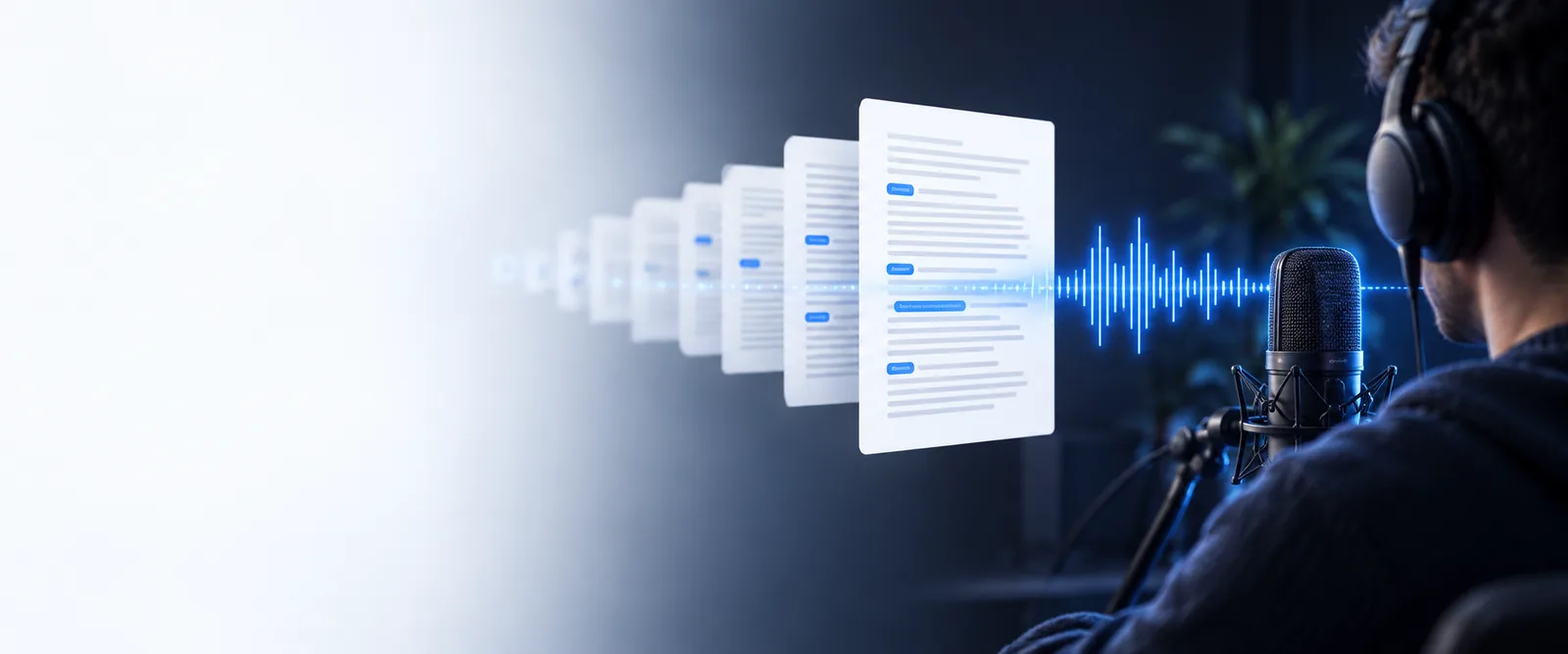
Audio to text transcription free can turn a meeting, interview, lecture, or voice memo into editable words without making you type every line. Start with a clear recording, then review the result for names, numbers, and specialist terms.
A little preparation improves the transcript more than repeated editing. Keep the source file available, decide what the final text is for, and note any terms the speaker is likely to use.
Use the original recording when possible. A clean file with one dominant speaker is easier to understand than a compressed copy with music or room noise.
Decide whether you need a close record, meeting notes, captions, or a searchable draft. That choice determines how much formatting and review the result needs.
Write down names, product terms, places, and numbers that may be difficult to recognize. Check these items first when the transcript is ready.
The complete pass is simple: give the recording context, let the transcription run, and inspect the output while the source is still fresh in your mind.
The first draft is a starting point, not a guarantee that every word is correct. Compare the result with the audio whenever accuracy matters.
Noise, overlap, accents, and uncommon names can change the output. Mark uncertain words instead of silently treating every line as final.
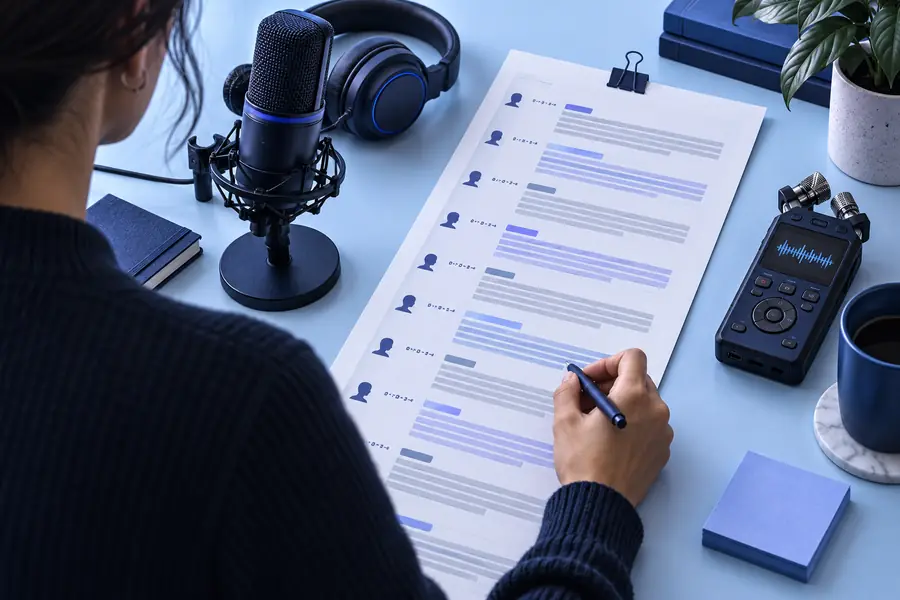
Raw recordingReviewed transcriptDifferent listeners need different levels of structure. Pick the path that matches the recording and the amount of cleanup you are prepared to do.
You recorded a lecture and need searchable study notes before an exam.
Create a rough transcript, then preserve definitions, examples, and timestamps that support revision.
You have a conversation with several answers that must be quoted accurately.
Keep speaker changes visible and verify names, figures, and short quotes against the recording.
You want to turn spoken ideas into a script, article draft, or video description.
Use the transcript as raw material, remove repetitions, and reshape the strongest sections for the final format.
A project meeting contains decisions, owners, and follow-up dates.
Review the transcript for action words, names, and deadlines, then copy confirmed decisions into the team record.
This side-by-side view separates a fast draft from a careful transcription workflow, so you can choose based on the stakes of the recording.
| Quick transcript | Reviewed transcript | |
|---|---|---|
| Best for | Personal notes, brainstorming, and low-stakes reference | Quotes, decisions, research, and published material |
| Starting file | A usable recording with ordinary background sound | The cleanest original file available |
| Speaker handling | May need manual speaker separation | Speaker changes are checked against the audio |
| Numbers and names | Treat as items to verify | Check each important item before sharing |
| Formatting | Paragraphs and basic readable text | Headings, speaker labels, and deliberate line breaks |
| Final confidence | Good for a working draft | Better suited to material others will rely on |
| Time required | Minimal setup and a quick scan | More listening and correction after the draft |
| Recommended export | Plain text for immediate editing | Structured copy ready for a document or caption workflow |
Use the transcript as a practical first draft for notes, research, content, or follow-up. Audio to text transcription free is most useful when you pair the automatic result with a focused review of the details that matter.
It means converting spoken audio into written text without an upfront charge for the transcription workflow. The result is usually best treated as a draft that should be checked against the recording when accuracy matters.
Yes, an interview can be a useful source for a free transcript, especially when the recording is clear and speakers do not talk over one another. Review names, quotations, and speaker changes before publishing or sharing it.
It can provide a helpful record of topics, decisions, and follow-up items, but accuracy depends on sound quality, accents, overlap, and vocabulary. Confirm deadlines, figures, and assigned owners in the audio before treating them as final.
Start with the cleanest recording available and identify difficult names or technical terms before reviewing the output. Listen again to every uncertain passage, then add paragraphs, speaker labels, and headings that fit the way you will use the text.