Meeting host
Capture decisions and action items while a remote or in-person meeting moves forward.
You leave with a searchable working record instead of relying on memory or scattered notes.
Real-time notes
A live audio to text converter turns speech into editable text while the conversation is happening. Start with a clear voice source, review the words as they appear, then refine the transcript for sharing or follow-up.
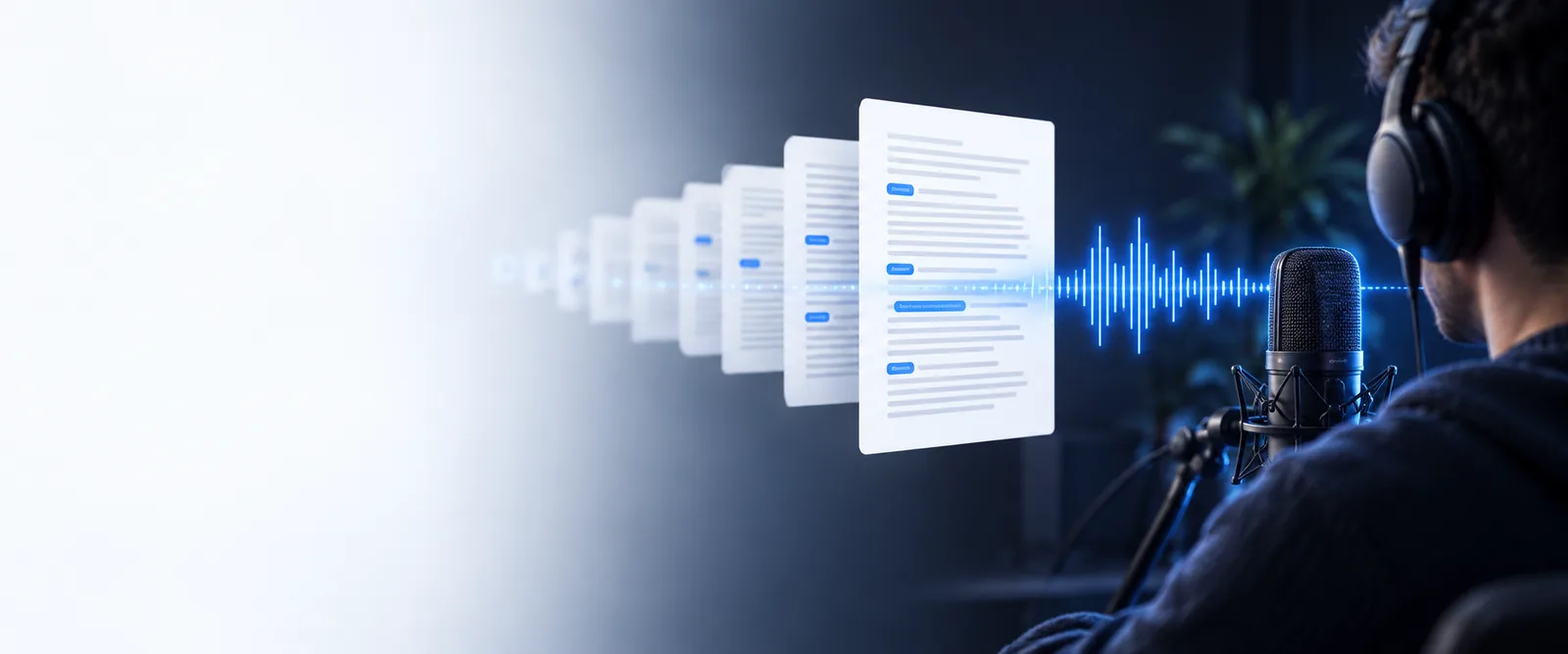
A reliable live audio to text workflow starts with a few simple conditions: a clear source, a stable connection, and a reason for capturing the words.
Capture decisions and action items while a remote or in-person meeting moves forward.
You leave with a searchable working record instead of relying on memory or scattered notes.
Follow a lecture, interview, or study session while keeping your attention on the speaker.
A readable draft gives you a useful starting point for summaries, revision, and quotations.
Monitor an interview, livestream, or spoken idea as it develops in real time.
You can spot strong lines quickly and shape a later script without replaying every minute.
Support conversations or presentations with a visible text companion as people speak.
Live text can make the flow easier to follow, especially when listening conditions are difficult.
The process is short, but each stage affects the quality of the final text. Treat the first result as a useful draft, not a finished record.
Place the microphone near the main speaker, reduce background noise, and check that the voice is arriving clearly before the important discussion begins.
Start the live capture and let the tool follow the conversation. Avoid switching inputs or moving the microphone while the words are being processed.
Correct names, punctuation, and specialist terms, then turn the draft into notes, a summary, captions, or a follow-up message.
Choose the capture style that matches the moment. Live conversion is useful for immediate visibility, while recorded audio gives you more control during cleanup.
Live audio to text is practical, but it cannot remove every problem from the source recording. Knowing the weak points helps you plan a better capture.
Crowds, traffic, music, and room echo can blur consonants or cause words to be missed.
What to do instead
Move closer to the main speaker, reduce competing sound, or use a cleaner recording for the final pass.
When several people talk at once, the text may merge sentences or assign a phrase to the wrong person.
What to do instead
Use turn-taking, pause between speakers, and add names during review instead of trusting automatic separation.
Names, acronyms, and technical terms may be rendered as familiar but incorrect words.
What to do instead
Keep a short correction list and check the transcript against slides, notes, or the original audio.
A weak connection can interrupt live processing or leave gaps in the visible draft.
What to do instead
Record a local backup when possible and process the complete file afterward if the live stream breaks.
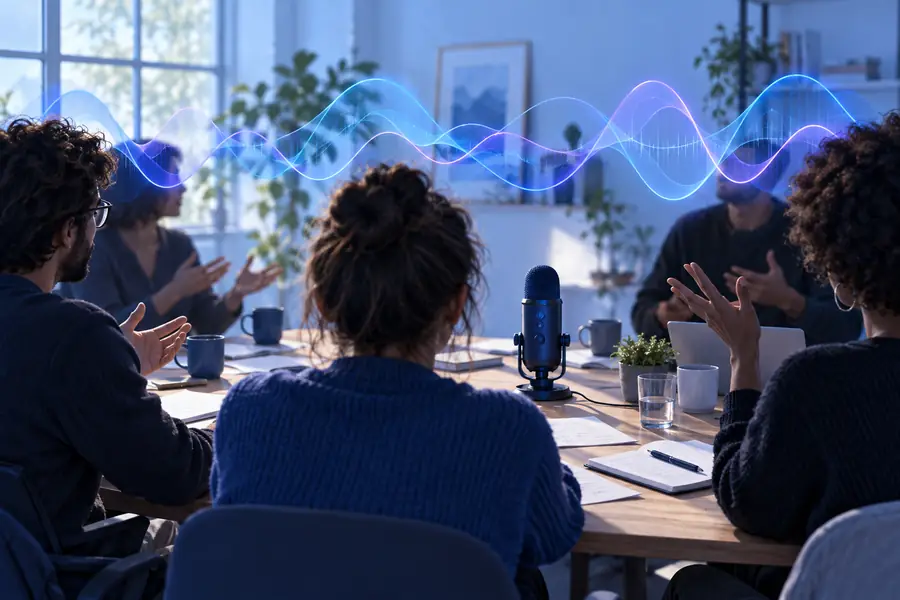
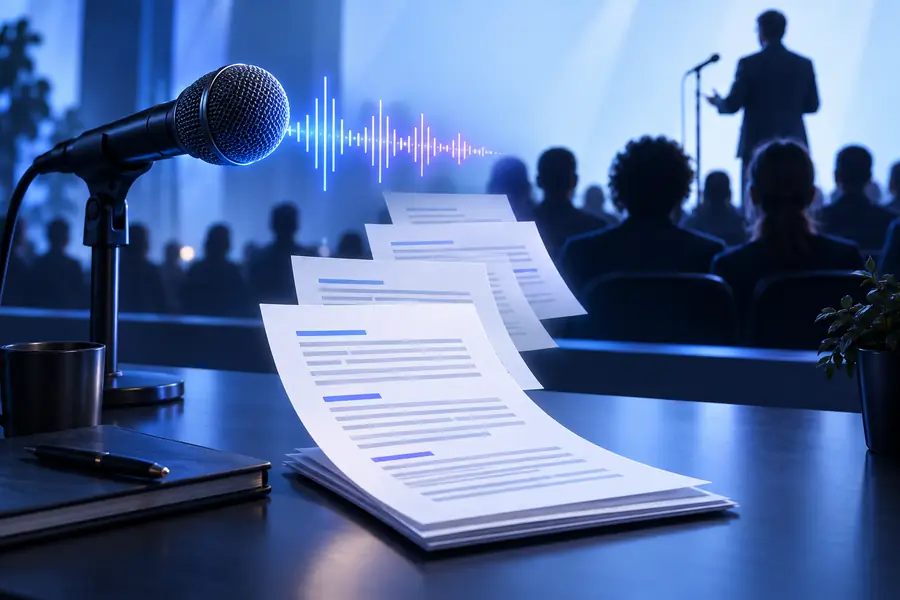
The live result is a draft: preserve the speaker’s meaning first, then improve punctuation, names, and structure.
Spoken audioWorking textSkip the blank page after a meeting, lesson, or interview. Give the tool a clear capture goal, review the draft, and leave with text you can search, edit, and share.
Answers to common questions about converting speech as it happens.
It is a tool that processes spoken sound during a conversation and presents the words as text with little delay. The result is useful for notes, accessibility, search, and a first draft of a transcript.
The tool receives speech from a microphone or another audio source, analyzes the sound, and produces a text stream. Clear speech, low background noise, and a stable connection generally make the output easier to review.
Yes, it can provide a running text draft while people are speaking. For important meetings or classes, keep a recording or written backup because overlapping voices, names, and technical terms may need correction.
It is usually better treated as working text rather than a final document. Review punctuation, speaker changes, names, numbers, and specialist vocabulary before sending the transcript to other people.
First improve the audio source by moving closer to the speaker and reducing competing noise. If the gap remains, use the recording for a second pass and add the missing wording during review.