Android workflow
audio to text alternative for android, without the app hunt
This audio to text alternative for android helps you turn a recording into a usable draft from your phone or browser. Capture the audio, hand it off, and review the text wherever you work.
Simple handoff
Three workflows for getting words out of Android audio
Use the workflow that matches the moment: capture live speech, send an existing recording, or clean up a rough transcript after conversion.
-
1
Capture or choose the recording
Record a meeting, voice memo, interview, or lecture on Android, then select the audio file you want to process. Keep the phone close to the speaker and avoid covering the microphone.
-
2
Send the audio for conversion
Open the conversion workflow from your phone or computer and hand off the recording. A clear request can specify the language, speaker labels, timestamps, or note format you need.
-
3
Review the usable draft
Read through names, numbers, technical terms, and punctuation before sharing. Copy the cleaned text into notes, a document, or your team’s preferred workspace.
Related routes
Pick the right way to convert audio
These nearby workflows cover browser conversion, live speech, and a low-friction path when you do not want to create an account.
- audio to text online Use a browser-based workflow when the recording is already on your phone or computer.
- live audio to text converter Follow live speech when you need words to appear while a conversation or presentation is happening.
- audio to text online free no sign up Choose a no-account route when you want to test a recording without adding another app login.
Workflow comparison
Android recorder or browser conversion?
Android is convenient for capturing sound, while a dedicated conversion workflow can make review and formatting easier. The two approaches can work together rather than compete.
| Android-only approach | Audio To Text workflow | |
|---|---|---|
| Best starting point | Quick voice memo or on-device capture | Existing recording that needs readable text |
| Where audio lives | Phone recorder or local file | Phone, browser, or shared file location |
| Formatting control | Usually limited to the recorder app | Request notes, paragraphs, speakers, or action items |
| Review effort | Manual listening and typing | Read a draft, then correct important details |
| Useful for live capture | Yes, with the phone microphone | Yes when using a live conversion workflow |
| Works beyond Android | Primarily tied to the phone or installed app | Can continue on a desktop browser after capture |
| Best habit | Name and save the recording immediately | Check names, numbers, and sensitive passages before sharing |
Example output
From an Android voice memo to a reviewable draft
The goal is not to trust an unedited transcript blindly. It is to replace a blank page with a structured draft that is faster to check.
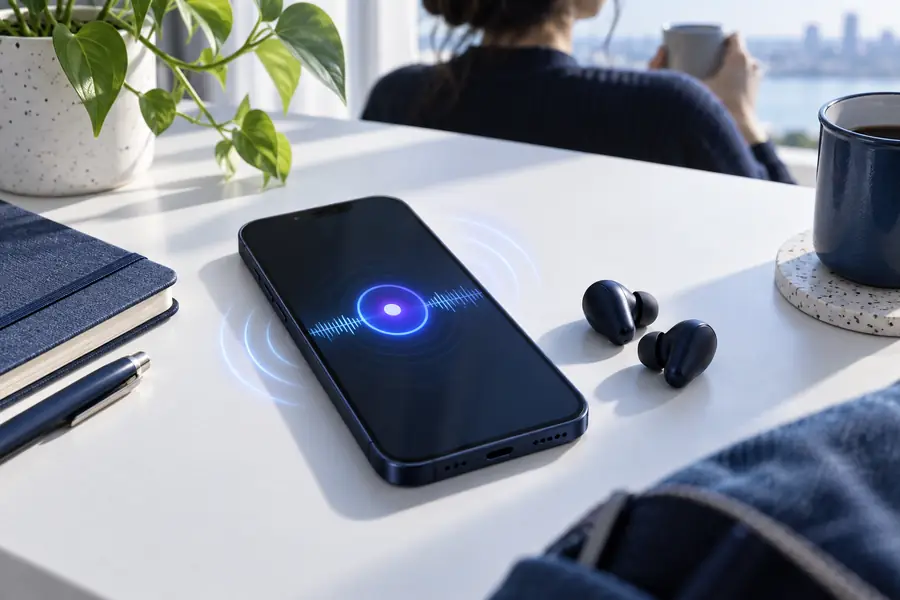
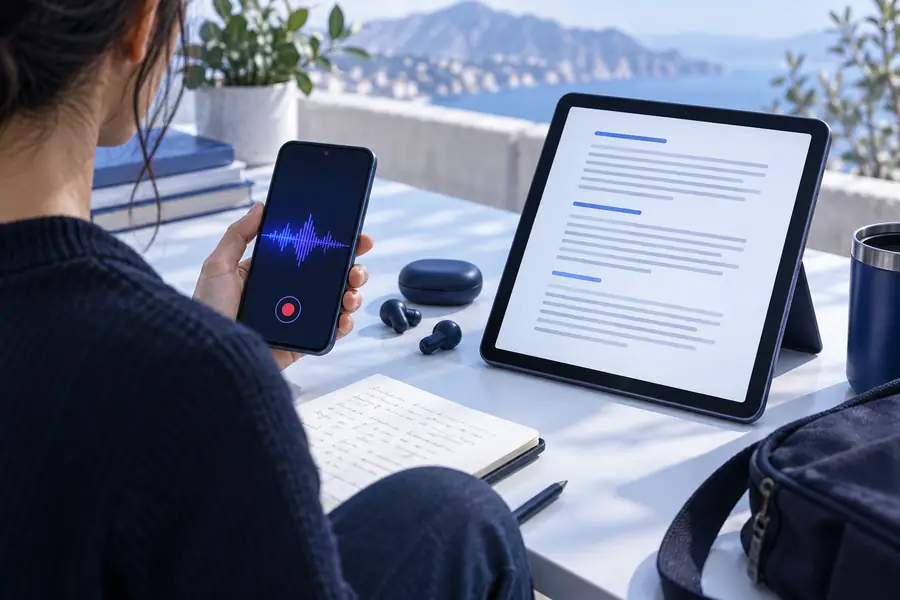
Review proper names, figures, and unclear sections before treating the draft as final.
Before: raw recordingAfter: readable draftKnow the edges
What this Android route cannot do
A phone-based workflow removes typing friction, but it does not remove the need for good audio, careful review, or responsible handling of sensitive material.
It cannot repair missing speech
If voices are covered by traffic, music, distance, or heavy distortion, the missing words may not be recoverable from the recording.
What to do instead
Record closer to the speaker, reduce background noise, and ask for a repeat when the detail matters.
It cannot guarantee perfect names or numbers
People, product names, email addresses, dates, and amounts are easy to mishear even when the surrounding sentence looks correct.
What to do instead
Compare the draft with the audio and verify important details against the original source.
It cannot replace consent decisions
Transcribing a conversation does not make recording or sharing it lawful, permitted, or appropriate in every setting.
What to do instead
Tell participants when recording is taking place and follow the rules that apply to your workplace, location, and subject matter.
It cannot promise offline processing
A browser handoff may require a connection and may send the selected audio to a processing service.
What to do instead
Check your connection and privacy requirements first; use a permitted local workflow for restricted recordings.
Start with one file
Skip the manual first pass. Send a short voice memo, meeting clip, or interview recording through the workflow, then spend your time checking meaning instead of recreating every sentence.
Turn your next Android recording into a working draft
- Use a recording you already have
- Request the structure you need
- Review before sharing
Scenario FAQ
Questions about an Android alternative
It is a workflow that lets you capture or select audio on an Android device and convert it into written text through a browser or transcription service. This can be useful when the phone’s built-in recorder does not provide the review, formatting, or export options you need.
Not necessarily. You can record with the phone’s existing recorder, then send the saved file through a browser-based conversion workflow from Android or another device.
Yes, provided the recording is in a supported audio format and the speech is clear enough to process. Short test files are a practical way to check the result before sending a longer meeting or interview.
It can be useful when you need words while a conversation or presentation is happening, but live results still depend on microphone placement, connection quality, accents, background noise, and speaker overlap. Keep the original recording when the content is important.
No. Treat the first result as a draft and check names, numbers, dates, technical terms, and passages marked by uncertainty. Also confirm that recording and processing the conversation is allowed before distributing the text.