Free conversion
Use a free audio to text converter without the busywork
A free audio to text converter helps you turn a recording into a readable draft without setting up a complicated workflow. Start with one file, review the result, and keep the text that matters.
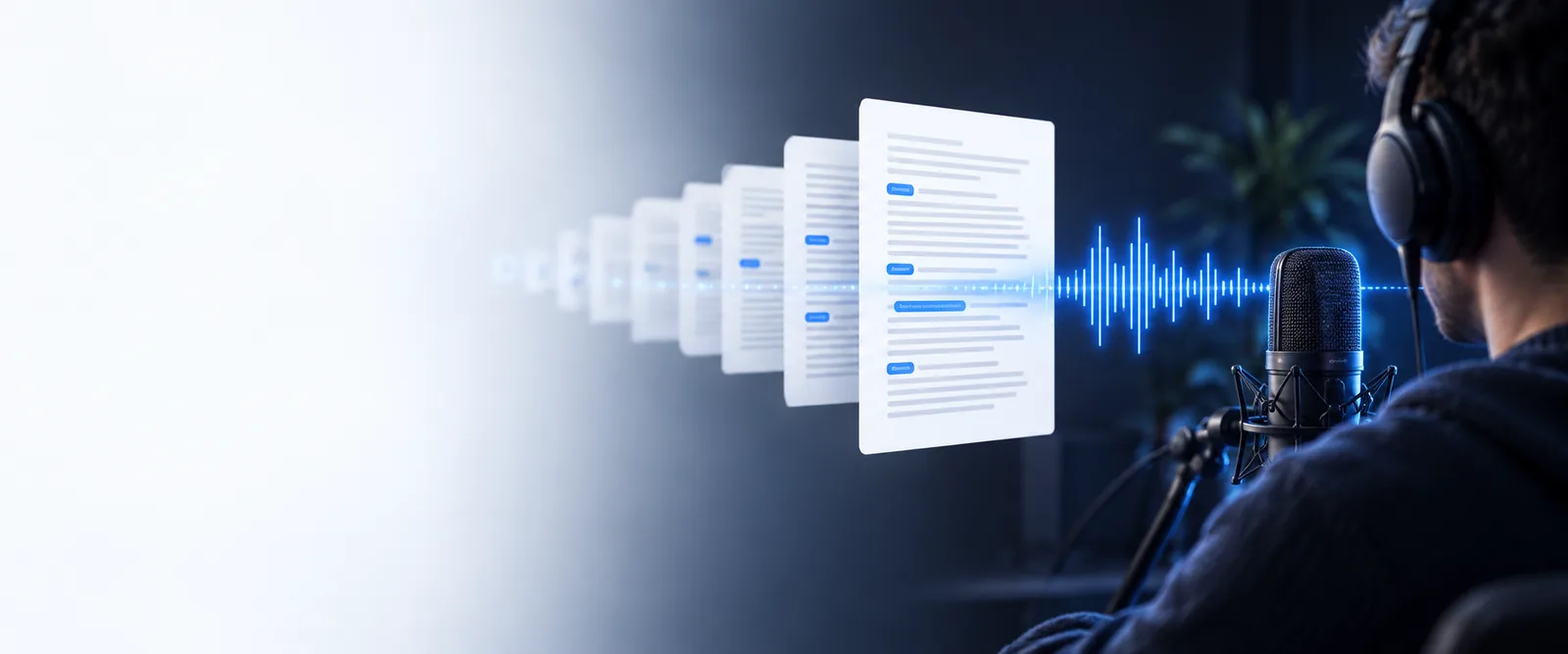
A simpler route from sound to usable text
The useful part is not just producing words. It is reducing the small decisions between an audio file and a draft you can actually read, edit, and share.
- audio to text online free Use an audio to text online free workflow when you want browser-based access without installing a separate desktop tool.
- audio to text online free no sign up Choose audio to text online free no sign up when avoiding registration is the main priority.
- audio to text transcription free Explore audio to text transcription free options when your main goal is a complete, editable transcript.
- mp3 audio to text converter online free Use an mp3 audio to text converter online free route when the recording you have is already saved as an MP3.
Three simple mechanisms behind the workflow
A low-friction conversion keeps the job focused: provide a source, let the speech become text, then refine the parts that need human attention.
-
1
Start with the source
Choose the recording that contains the conversation, note, lecture, or voice memo you want to work with. A clear source gives the process a better foundation.
-
2
Let speech become text
The converter processes spoken audio into a written draft, preserving the main sequence of ideas so you do not have to type every sentence manually.
-
3
Review the draft
Read through names, numbers, technical terms, and unclear passages. Make small corrections before using the text as notes, captions, or a working document.
Step-by-step: from audio to text
The practical path is short enough for a quick note and structured enough for a longer recording.
- Choose the recording you want to process
- 1 file
- Receive readable text from the spoken source
- 1 draft
- Review names, numbers, and unclear phrases
- 3 checks
See the difference between a recording and a draft
Audio is easy to capture but harder to scan. Text gives you a faster way to locate ideas, mark edits, and decide what deserves a closer listen.
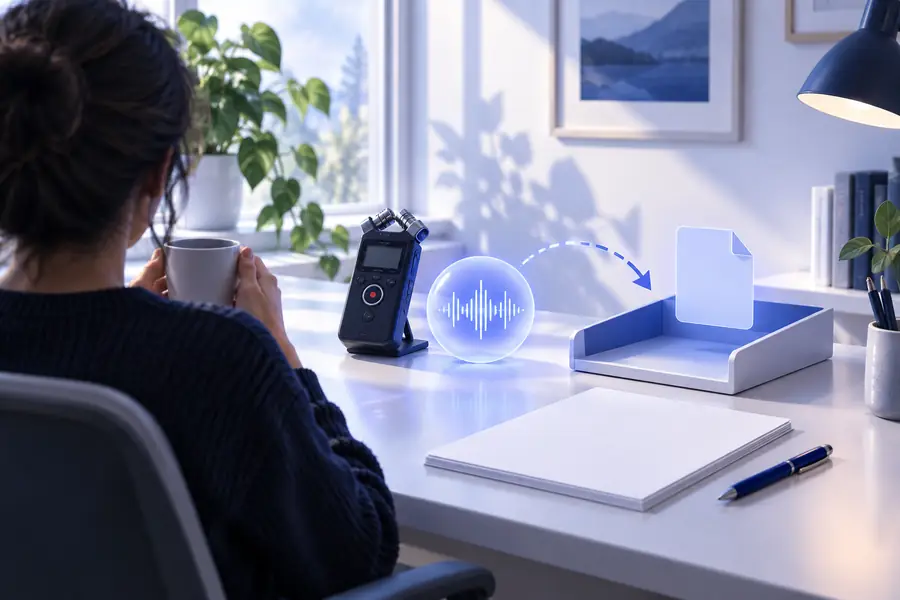
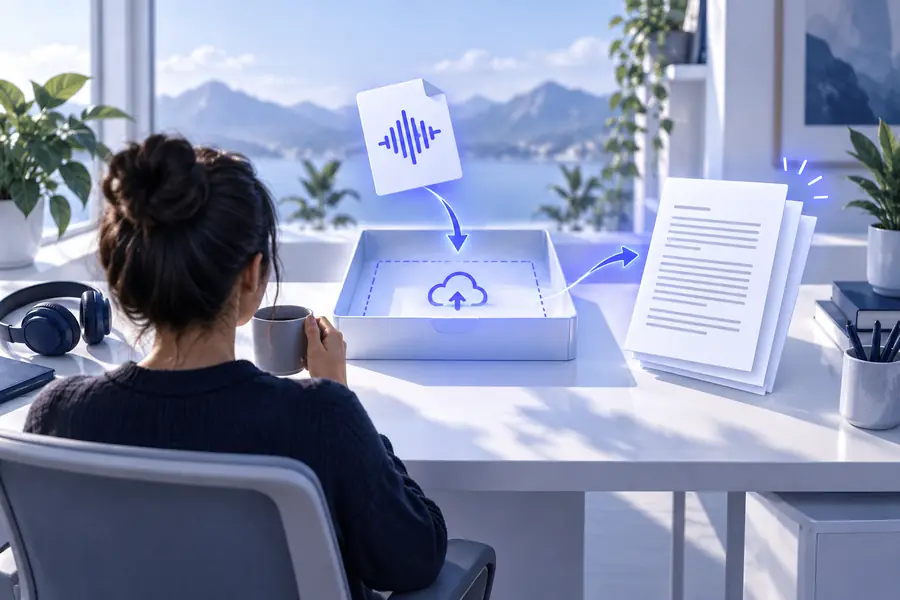
A transcript is a working draft, not a substitute for reviewing the original recording.
Before: spoken audioAfter: text draftLimits and edges
A free converter removes setup friction, but it cannot remove every source of uncertainty. Knowing where to review saves more time than assuming every word will be perfect.
Unclear speech can stay unclear
Background noise, overlapping voices, distance from the microphone, and low volume can affect the written result.
What to do instead
Use the original recording to check uncertain passages and, when possible, start with the clearest available file.
Names and specialist terms need review
People, places, product names, abbreviations, and industry vocabulary may be written phonetically or inconsistently.
What to do instead
Search the draft for proper nouns and technical terms, then compare them with your notes or the source audio.
Formatting is not the same as editing
A converted draft may contain the right ideas without having the polished structure of a finished article, report, or caption file.
What to do instead
Break long passages into sections, remove repetition, and apply your preferred style after conversion.
One recording may contain several voices
A conversation with interruptions or similar-sounding speakers can make speaker changes difficult to interpret automatically.
What to do instead
Listen for turn changes and add speaker labels during your review when attribution matters.
Turn the next recording into a usable draft
When typing every sentence is the slowest part of your task, start with the audio you already have. Convert it into text, correct the few details that matter, and move on to the work that comes after transcription.
- Start with a recording you already have
- Review the draft instead of typing from scratch
- Keep the original audio for important checks
Frequently asked questions
These answers address the practical questions people ask when looking for a free audio to text converter.
It is a tool that processes spoken audio and produces a written version of the words. You can use the draft for notes, review, research, captions, or later editing.
You can use one for many everyday recordings, including voice notes, interviews, meetings, and lessons. The result depends on audio clarity, background noise, accents, overlapping speech, and specialist vocabulary.
Usually, it is best treated as a first draft rather than final copy. Review names, numbers, punctuation, speaker changes, and any sentence that sounds unclear before publishing or sharing it.
Accuracy varies with microphone quality, pronunciation, noise, and the number of people speaking. Clear single-speaker audio generally gives you a stronger starting point than a noisy group conversation.
Compare questionable lines with the original recording and correct the terms that matter most to your use case. Pay particular attention to names, dates, figures, addresses, and technical language.