Students
Convert a lecture clip or research interview before class notes become scattered across apps.
Get searchable text quickly, then organize the useful points in your own notes.
Private-first workflow
Audio to text online free no sign up makes a quick transcription task easier: bring a recording, review the result, and move on without an account barrier.
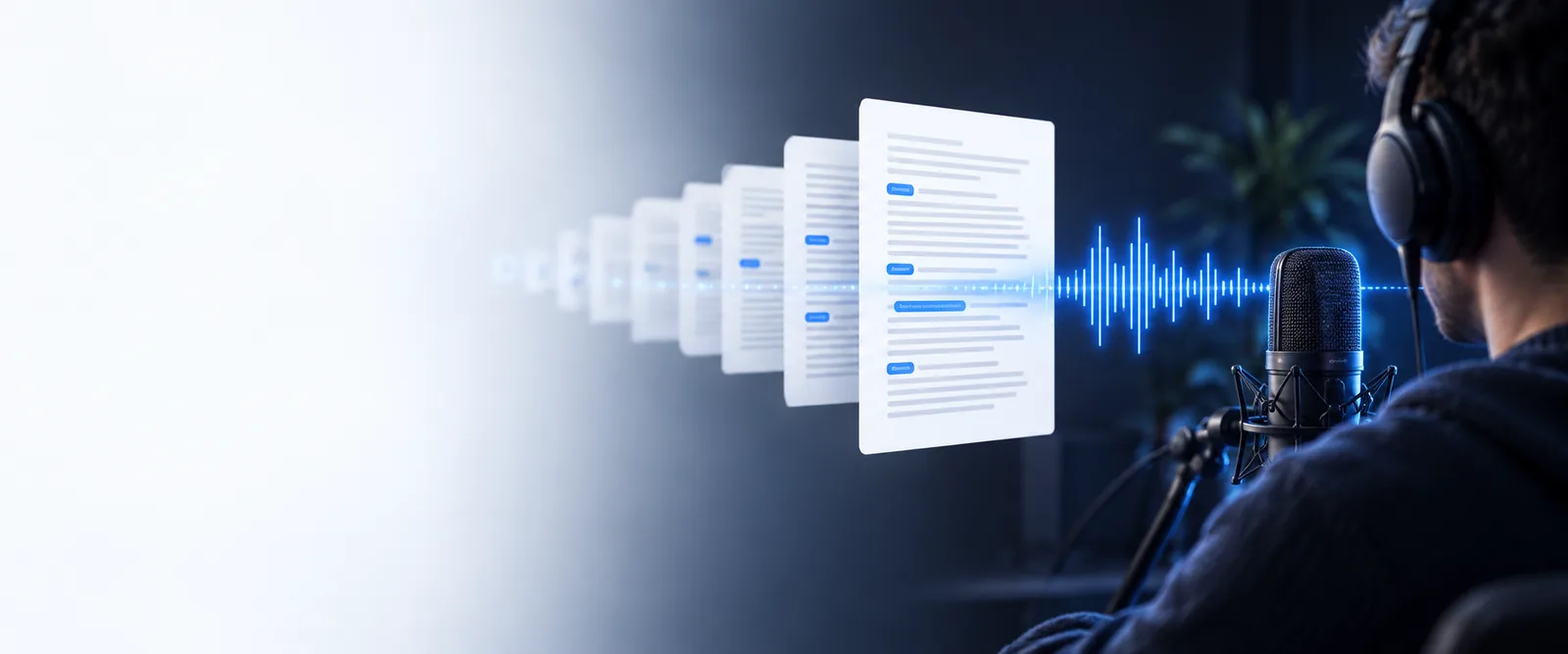
Built for quick handoffs
This route is designed for small, immediate jobs where the friction of an account matters more than advanced project management.
Convert a lecture clip or research interview before class notes become scattered across apps.
Get searchable text quickly, then organize the useful points in your own notes.
Process a short quote, press briefing, or field recording while working from a temporary device.
Create a readable draft without setting up a new workspace for one assignment.
Turn a meeting excerpt or voice memo into text before sharing the key decision with colleagues.
Move from spoken context to a concise written handoff with fewer interruptions.
Pull a rough transcript from a podcast segment, voiceover take, or idea captured on the go.
Find lines worth editing without committing to a long-term transcription account.
Three quick moves
The route keeps the basic conversion path visible and removes setup that does not help with a one-off recording.
Choose the audio you want to process or describe the job in the handoff console. A short, clear recording is the easiest place to begin.
The audio is analyzed and turned into a draft transcript. Background noise, overlapping voices, and unusual names may need review.
Scan the text for accuracy, copy the useful passage, and continue editing it in the document or workflow where it belongs.
Related routes
Choose the lightest route that matches the recording and the amount of control you need.
Choose the lighter path
Both routes help turn spoken audio into written text. The no-sign-up path is narrower by design, while the general route leaves more room for an ongoing workflow.
| No-sign-up route | General online route | |
|---|---|---|
| Best for | One-off recordings and quick checks | Repeated transcription tasks and broader exploration |
| Account required | No account setup is needed to begin | May support a more persistent workspace |
| Starting friction | Open the tool and begin with the task | May include more choices before conversion |
| Workflow depth | Focused on convert, review, and reuse | Better suited to organizing recurring work |
| Ideal recording length | Short clips, notes, interviews, and excerpts | A wider range of ongoing transcription needs |
| Privacy decision | Avoid creating a profile for a temporary task | Review the service workflow before committing to regular use |
| After transcription | Copy or move the draft into your own tools | Potentially continue inside a broader online workflow |
From sound to text
A no-sign-up workflow is useful when the result needs to leave the tool quickly and become part of your notes, draft, or message.
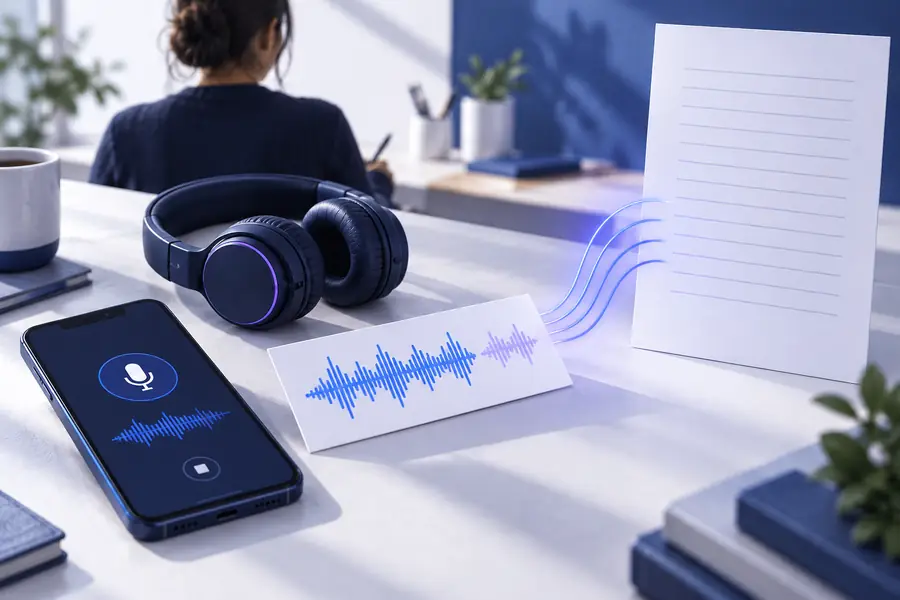
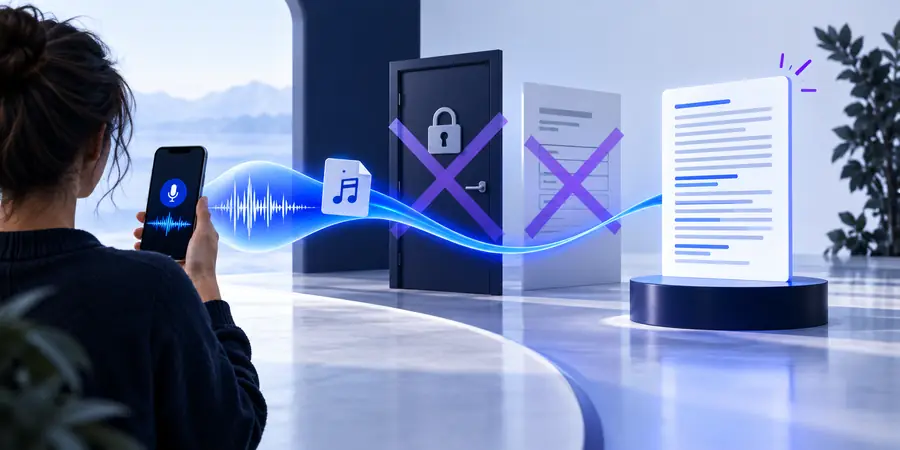
Review names, numbers, and overlapping speech before sharing the final text.
Before: spoken recordingAfter: working transcriptKnow the edges
Skipping account setup does not remove the normal challenges of speech recognition. These are the trade-offs to expect before you rely on the draft.
Misheard words, names, numbers, accents, and punctuation can appear in the first transcript.
What to do instead
Listen back to important passages and correct proper nouns before publishing or quoting them.
Overlapping voices or fast turn-taking may be difficult to separate consistently.
What to do instead
Use cleaner audio, shorter clips, and manual speaker labels during review.
A no-sign-up route is built for immediate work, not for organizing every transcript in one lasting workspace.
What to do instead
Copy the result into your own notes, cloud drive, or editorial system as soon as the review is complete.
You should not upload confidential or regulated recordings without understanding how the service handles submitted audio.
What to do instead
Remove unnecessary private details and check your organization’s policy before processing sensitive material.
When the task is small, an account can feel like a detour. Send the recording toward a focused audio to text workflow, check the draft carefully, and keep the finished text in the tools you already use.
Common questions
Answers for people looking for a direct way to convert audio without creating an account first.
Yes, this route is intended for quick, one-off transcription tasks where creating an account would add unnecessary friction. You can process the recording, review the draft, and move the useful text into your own workflow.
No installation is needed for a browser-based workflow. Open the route, provide the recording or task details, and follow the conversion flow from there.
Treat the first result as a working draft rather than a guaranteed final copy. Check names, numbers, punctuation, accents, and sections where speakers overlap before publishing or sending it onward.
Clear recordings with limited background noise and distinct speakers are the easiest to process. Short interviews, voice memos, lecture excerpts, and meeting clips are practical starting points.
Use care with private, regulated, or commercially sensitive recordings. Before uploading, remove unnecessary confidential details and confirm that the workflow fits your organization’s privacy requirements.