Students
Record a lecture, study group, or revision explanation and convert the spoken ideas into searchable notes.
You get a draft that can be reorganized into headings, flashcards, or a study outline.
Practical use cases
These free audio to text examples show how a spoken recording becomes useful written material for work, study, research, and everyday notes. Use the patterns to decide what to capture, what to edit, and what to keep.
Choose a workflow based on the result you need, not just the file you have. These related paths cover common audio to text tasks from upload through review.
The best audio to text workflow begins with a clear output. Match the recording to the way you plan to read, search, share, or edit the result.
Record a lecture, study group, or revision explanation and convert the spoken ideas into searchable notes.
You get a draft that can be reorganized into headings, flashcards, or a study outline.
Capture a research interview or customer conversation without trying to type every sentence while listening.
You can find quotes, compare answers, and mark sections for a final report more efficiently.
Turn a podcast segment, voice memo, or planning call into a draft that writers can revise.
The transcript becomes a working source for articles, captions, summaries, and internal documentation.
Convert a meeting recording into notes with decisions, open questions, and follow-up items.
A written record makes it easier to review what was said and share the next actions with colleagues.
Create a written version of spoken information for easier reading, searching, or later reference.
Text gives you another way to revisit important details when listening is inconvenient.
A useful transcript is more than a block of words. Keep the source clear, review the important passages, and shape the output around its final purpose.
Use the clearest available recording and identify the speakers, subject, and desired output before you begin.
Run the audio to text process, then check names, numbers, technical terms, punctuation, and places where speakers overlap.
Add headings, remove repeated filler, preserve meaningful wording, and export or share the version your audience needs.
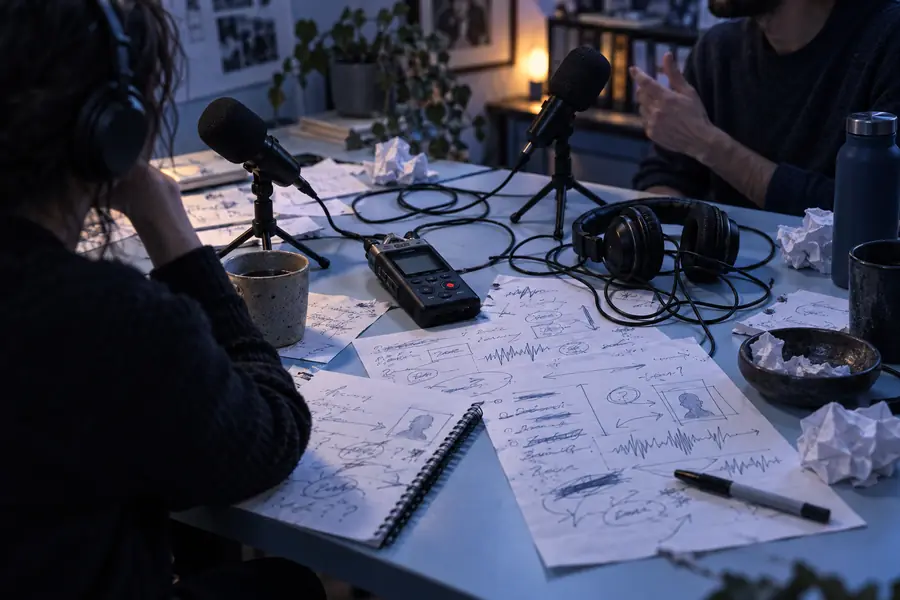
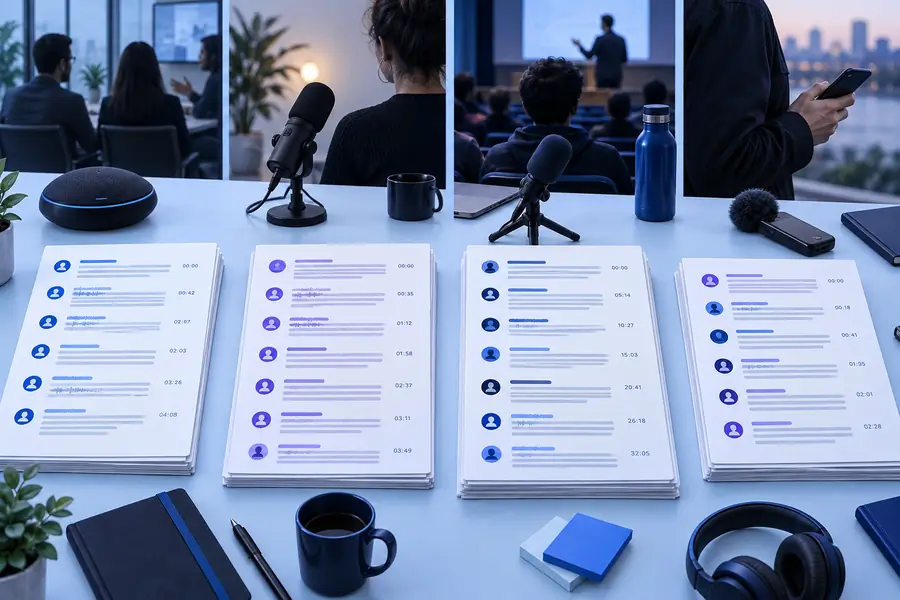
The conversion creates a draft; a short review turns it into a dependable working document.
Raw recording notesReviewed transcriptFree audio to text examples are most useful when they also show where cleanup is still needed. Plan for these limits instead of treating the first draft as final copy.
Background noise, low volume, accents, or people speaking away from the microphone can reduce accuracy.
What to do instead
Use the clearest recording available and replay uncertain phrases before publishing.
When several people talk at once, a transcript may merge their words or miss who said what.
What to do instead
Review group discussions manually and add speaker names after identifying each voice.
Names, acronyms, product terms, and uncommon words may be written incorrectly even when the sentence is understandable.
What to do instead
Search for likely errors and compare the transcript with notes, source documents, or a subject expert.
Conversation includes pauses, repetitions, unfinished sentences, and informal phrasing that may not fit the final format.
What to do instead
Keep the original meaning, then edit the draft into paragraphs, bullets, or a summary for its audience.
Try the workflow with a meeting, interview, lesson, or voice memo. Start with the spoken material, then review the draft and shape it into notes, quotes, or a polished transcript.
Answers to common questions about using free audio to text examples for practical transcription tasks.
Good starting points include a short voice memo, a brief interview, or a clear lesson excerpt. These examples are easy to compare before and after, and they make it simple to spot missed words or formatting issues.
Yes. Meetings and interviews are common use cases because a written draft makes spoken information easier to search, quote, summarize, and share. Important names, numbers, and decisions should still be reviewed manually.
Check names, dates, numbers, technical terms, speaker changes, and sentences affected by background noise. Also confirm that the transcript keeps the meaning and tone of the original recording.
Short recordings are usually easier to evaluate because you can compare the text with the audio from beginning to end. Once the workflow works for a short clip, you can apply the same review habits to longer recordings.
Define the intended output before converting the file: raw transcript, meeting notes, interview quotes, or a summary. That choice tells you how much editing, speaker labeling, and formatting the final result needs.