Interviewers
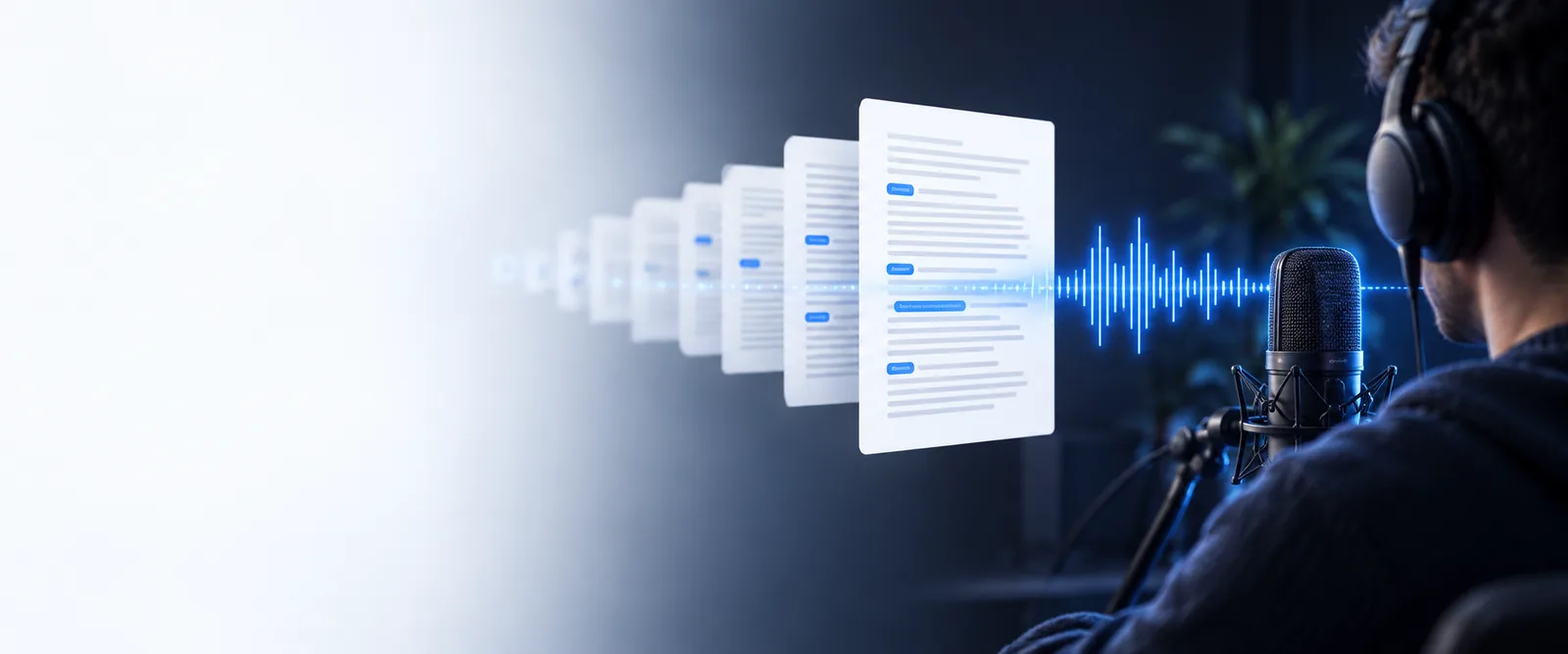
Convert an interview into a searchable draft before selecting quotes or writing a story.
For a live conversation, a live audio to text converter can also help you follow key points while the discussion is still happening.
Browser transcription
Audio to text online gives you a practical way to turn a recording into readable words without installing a desktop editor. Upload a file, review the result, and keep the text ready for notes, captions, or sharing.
Related workflows
Choose the route that matches your recording, access needs, and working style.
Simple workflow
The process is easiest when you separate the audio preparation step from the review step.
Use a clear file with the main speaker close to the microphone. Reduce background noise when possible, and make sure the beginning and ending are not clipped.
Add the recording through the browser prompt and describe the result you need, such as paragraphs, timestamps, speaker turns, or a concise notes format.
Read through names, numbers, technical terms, and overlapping speech. Correct the small details before copying the transcript into your notes or document.
Output preview
A transcript makes a long recording easier to scan, search, quote, and reshape into another useful format.
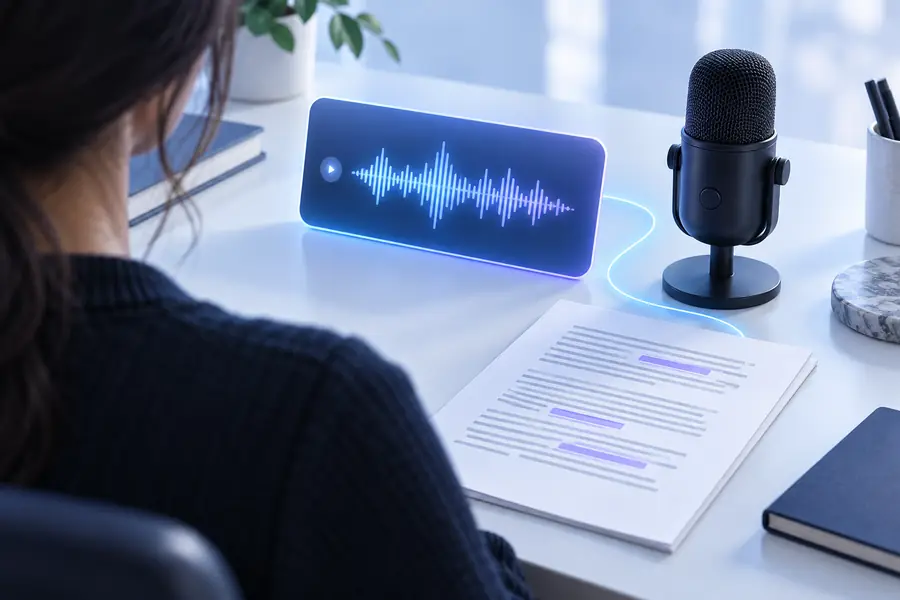
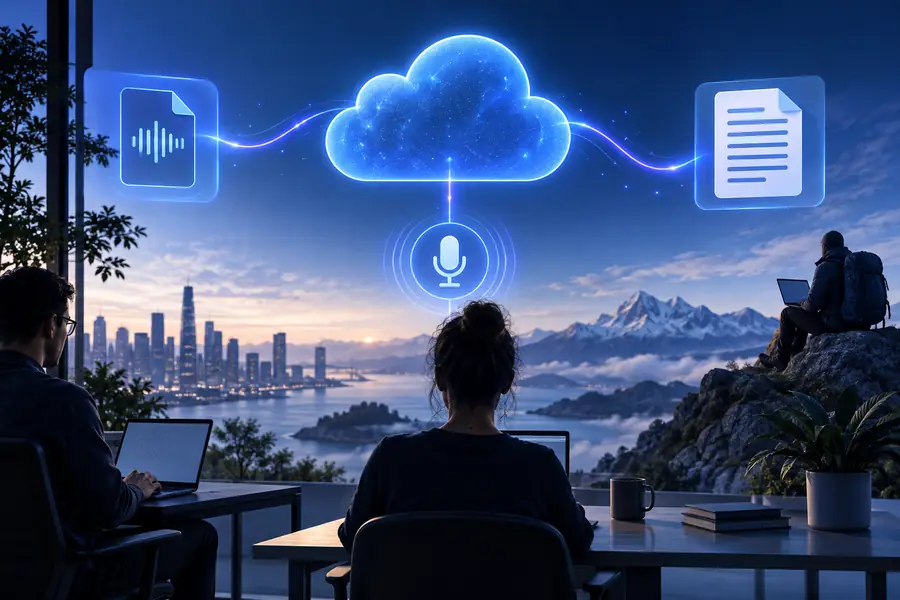
The useful result is not only a word-for-word draft. It is a workable text layer that lets you find a moment, pull out a quote, summarize a discussion, or turn spoken ideas into a clean first draft. Keep the original recording beside the transcript when accuracy matters, especially for names, figures, specialist vocabulary, and places.
Recorded audioEditable transcriptFile readiness
Online conversion works best when the source is understandable and the requested output is specific.
Everyday uses
Once speech is available as text, the same recording can support several different tasks.
Convert an interview into a searchable draft before selecting quotes or writing a story.
For a live conversation, a live audio to text converter can also help you follow key points while the discussion is still happening.
Turn a recorded lecture or study explanation into notes that are easier to scan and revisit.
A live audio to text converter is useful when you need important ideas to appear during a class or revision session.
Create a first-pass record of a meeting so decisions, questions, and follow-up items are easier to locate.
A live audio to text converter can support meetings where participants want a running text view alongside the recording.
Extract spoken ideas from a podcast, voice memo, or video project before shaping them into captions or copy.
A live audio to text converter suits recordings that need text during production rather than only after the file is finished.
Start with a recording
Bring a clear audio file and a specific output in mind. You can begin with a transcript, then reshape the text into notes, a summary, captions, or a draft while keeping the original recording available for reference.
Common questions
It means using a browser-based service to turn spoken audio into written text. The result can be reviewed and adapted for notes, captions, summaries, interviews, or other documents.
Yes, an online workflow can be useful for turning an interview or meeting into a searchable first draft. Review speaker names, numbers, decisions, and overlapping speech before treating the transcript as final.
Clear speech, limited background noise, and a recording with little overlap usually produce a more useful result. If several people speak at once or the microphone is distant, expect to spend more time correcting the text.
Yes. Check names, dates, figures, specialist terms, punctuation, and sections where speakers talk over one another. Keeping the original audio nearby makes those checks faster and helps you verify important wording.
A transcript is a flexible starting point for both. After reviewing the wording, you can shorten it into notes, select quotations, or reorganize it into caption-ready lines and other formats.