Students
Turn a recorded lecture or study note into searchable text before reviewing the key ideas.
Spend less time replaying the same section and more time organizing the material.
Browser transcription
Audio to text online free gives you a practical way to turn a recording into editable words without installing desktop software or building a complicated workflow.
Before you begin
A smooth audio to text online free workflow starts with a recording you can access, a stable browser connection, and a clear idea of the text you need.
Simple workflow
The complete process is short: prepare the source, send it through the converter, then check the returned text before using it elsewhere.
Select the audio file from your device and make sure it is the version you want to process.
Send the recording through the browser workflow and wait while spoken words are turned into editable text.
Correct names, punctuation, and unclear phrases, then copy the cleaned transcript into your notes or document.
At a glance
There is more than one sensible way to approach a browser transcription task, depending on whether convenience, access, or fewer steps matters most.
Useful for
Different listeners need different levels of preparation. Start with the use case closest to your recording, then refine the output for its final purpose.
Turn a recorded lecture or study note into searchable text before reviewing the key ideas.
Spend less time replaying the same section and more time organizing the material.
Convert a conversation into a rough transcript before selecting quotes and writing a summary.
Create a workable first draft that is easier to scan than a long audio file.
Use spoken notes, research calls, or planning sessions as a source for articles and briefs.
Move ideas from audio into an editable document that can be shaped by the team.
Process a voice memo or meeting recording when installing software would slow down the task.
Get a readable starting point while keeping the workflow focused on the recording itself.
Review the output
A transcript is a useful starting point, not a reason to skip review. The before-and-after view shows why a quick edit still matters.
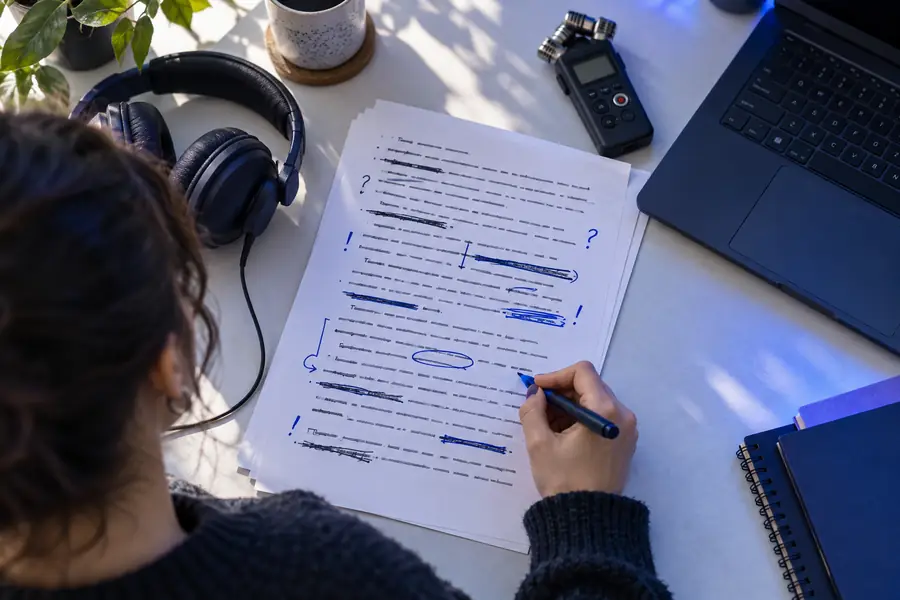
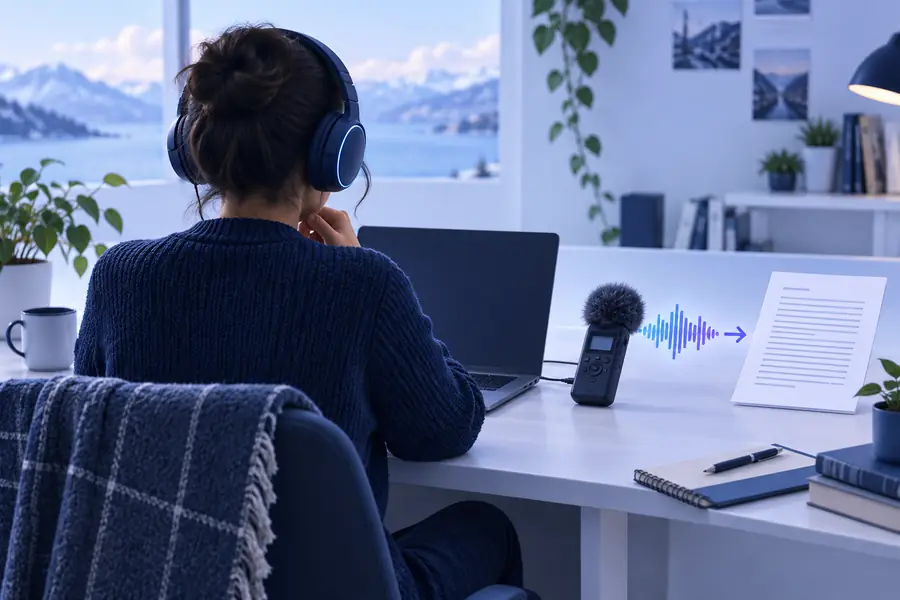
Always check names, numbers, and unclear speech.
Raw resultReviewed textCompare the paths
Use the browser route when reducing setup is more valuable than controlling every word from the first keystroke.
| Audio to text online free | Manual transcription | |
|---|---|---|
| Initial setup | Open the browser workflow and provide the recording | Prepare a player, document, and repeatable pause routine |
| Starting speed | Creates a rough text draft from the recording | Begins at the pace of manual listening and typing |
| Editing control | Review and correct the generated draft | Control every word while entering it |
| Best for | Interviews, notes, lectures, and first drafts | Short clips or highly sensitive wording that needs deliberate entry |
| Main effort | Quality checking after conversion | Continuous listening, pausing, and typing |
| Final accuracy | Depends on recording clarity and careful review | Depends on the typist's attention and listening accuracy |
Start with your recording
When you need a readable draft without a long setup, an online workflow keeps the first step simple. Send over the audio, inspect the text, and keep only the edits that improve the final result.
Common questions
It means using a browser-based workflow to turn spoken audio into editable text without starting with a paid desktop application. The result should still be reviewed for names, punctuation, and unclear phrases.
Yes, a recording is a natural fit for this workflow. Choose the file you want to process, run the conversion, and check the transcript against the original audio before sharing it.
It is particularly useful for creating a first draft from interviews, lectures, meetings, or voice notes. Treat the generated text as a starting point and edit details that affect meaning.
Check names, numbers, technical terms, speaker changes, punctuation, and any section where the recording is noisy or overlapping. Listening back to uncertain passages is the safest way to improve the final transcript.