Beginner guide
Learn with audio to text examples for beginners
Audio to text examples for beginners make the first transcript less intimidating. Follow a simple path from a short recording to clean notes you can review, edit, and share.
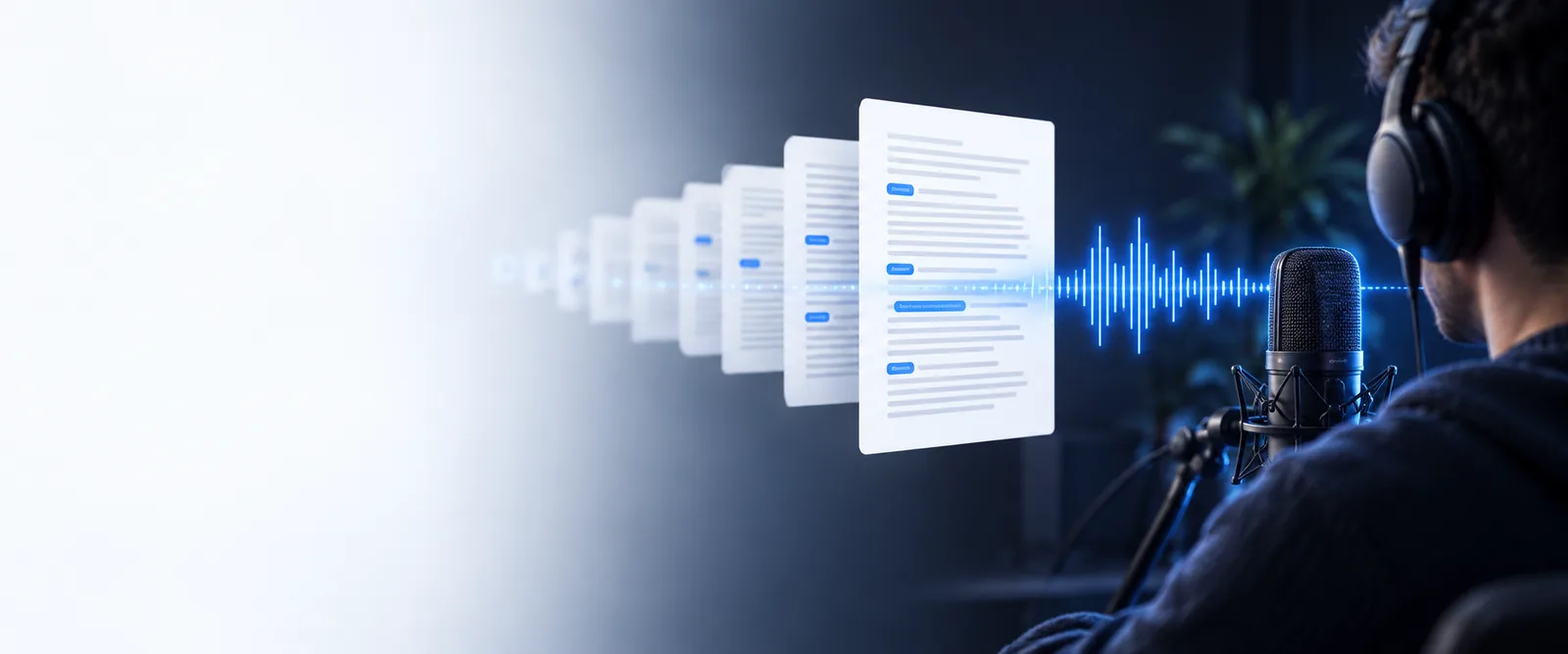
Start simply
The scenario's pain: a recording is easy to make, hard to use
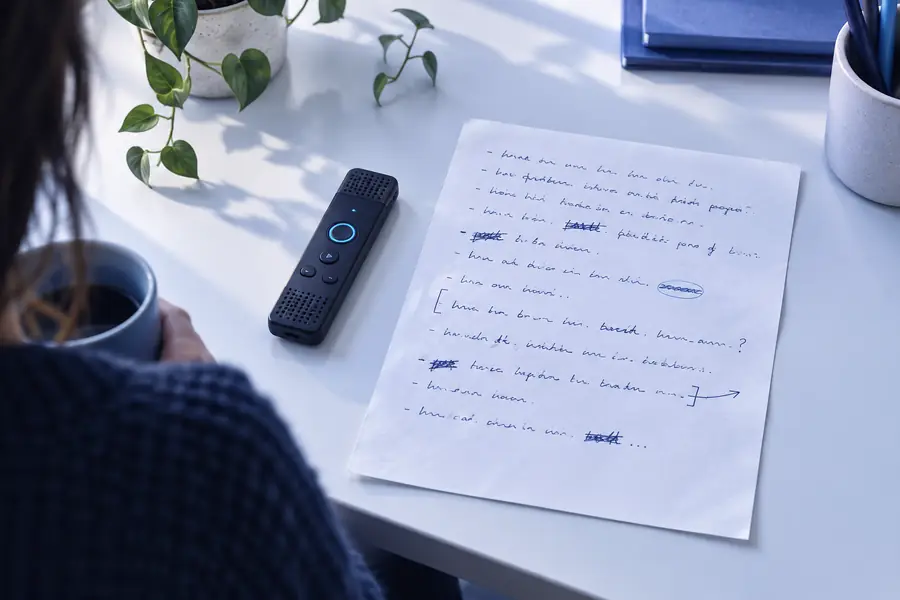
Beginners often have useful audio but no clear method for turning it into readable text. Background noise, long pauses, and uncertain formatting can make the first attempt feel harder than it should.
-
1
Choose a short recording
Start with a voice note, interview extract, class reminder, or meeting clip under a few minutes. A short file makes it easier to spot mistakes and understand the result.
-
2
Ask for a useful structure
Describe the output you need, such as paragraphs, bullet points, speaker labels, or a short summary. Specific instructions help turn a raw transcript into something practical.
-
3
Review before sharing
Read the text against the recording, correct names and specialist terms, then remove anything unnecessary. Treat the first result as a draft rather than a final record.
Useful next steps
- audio typing practice Build confidence by listening to short clips and typing what you hear at a comfortable pace.
- free audio to text examples See how different recordings can become notes, captions, summaries, or searchable text.
- transcribe audio recording to text Use a straightforward recording-first process when your source is already saved as an audio file.
- audio to text transcription free Compare the basic transcription task with the editing and formatting needed for a polished document.
Example output
From a rough recording to readable notes
The biggest beginner-friendly improvement is not simply more words on the page. It is a transcript that preserves the important meaning while making the next action obvious.
| Raw transcript | Beginner-ready notes | |
|---|---|---|
| Opening | Um, so, I wanted to talk about the project and the things we need to do next week. | Project focus: prepare next week's tasks. |
| Filler words | Repeated pauses, false starts, and conversational phrases remain throughout. | Unnecessary filler is removed without changing the main idea. |
| Action items | Tasks are mixed into the spoken paragraph and may be easy to miss. | Action items are separated into a short bullet list. |
| Names and terms | Names or unfamiliar terms may need checking against the recording. | Unclear names and terms are marked for manual review. |
| Speaker changes | A conversation can appear as one continuous block of text. | Different speakers are identified when the audio makes that possible. |
| Final use | Useful for searching, but awkward to read or send onward. | Ready to edit into notes, a follow-up message, or a study outline. |
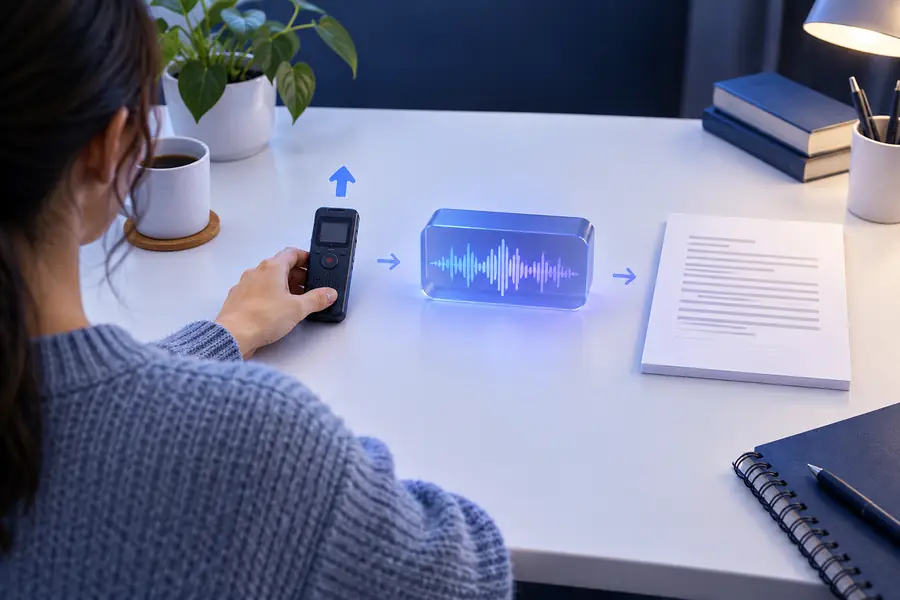
A useful first draft keeps the meaning, removes clutter, and shows what still needs checking.
Before: raw transcriptAfter: organized draftCompliance notes
What beginners should check before sharing a transcript
A convenient workflow still needs judgment. Audio may contain personal, confidential, or legally sensitive information, so review the source and the finished text before sending it elsewhere.
It cannot guarantee every name is correct
Unusual names, acronyms, places, and technical terms can be misheard, especially when the speaker talks quickly or the recording is unclear.
What to do instead
Replay uncertain passages and compare them with a trusted document or ask the speaker to confirm.
It cannot decide what you are allowed to share
A transcript may expose private comments, contact details, health information, customer data, or internal plans.
What to do instead
Remove sensitive sections, limit access, and follow the consent and retention rules for your class, team, or organization.
It cannot replace a human review
Punctuation, speaker labels, and summaries are helpful but may change the emphasis or meaning of a conversation.
What to do instead
Listen to important passages again and approve the text before using it as a record or quote.
It cannot repair severely damaged audio
Heavy background noise, overlapping speakers, clipping, and very quiet speech can leave gaps or ambiguous wording.
What to do instead
Use the clearest available file, shorten the clip, identify speakers in advance, and mark uncertain words instead of guessing.
Start with a low-risk voice note or short practice clip. Give the workflow a clear output goal, then review the result before using it for study, planning, or communication.
Turn one short recording into a useful first draft
- Begin with a short clip
- Choose notes, bullets, or a transcript
- Review names and sensitive details
Scenario FAQ
Questions beginners ask about audio to text examples
A short personal voice note is a good starting point because you already know the subject and can check the result easily. Try one clear minute, then compare the transcript with the recording and mark any words that need correction.
Choose a recording with one speaker, limited background noise, and a familiar topic. A reminder, short explanation, or practice interview is easier to review than a long meeting with several people speaking at once.
Ask for a specific format, such as short paragraphs, bullet points, headings, or speaker labels. After conversion, remove filler words where appropriate and check names, dates, numbers, and technical terms against the audio.
They can be useful for study notes, interview preparation, meeting drafts, and personal reminders. Review the result before relying on it, and follow your school or workplace rules for consent, privacy, and sharing recordings.
Replay the exact section and correct the wording manually rather than assuming the surrounding sentence is accurate. If the audio is unclear, mark the passage as uncertain and ask the speaker or source owner for confirmation.