Students
A lecture or study-group MP3 needs searchable notes before an exam.
Review the transcript instead of replaying the entire recording.
MP3 transcription
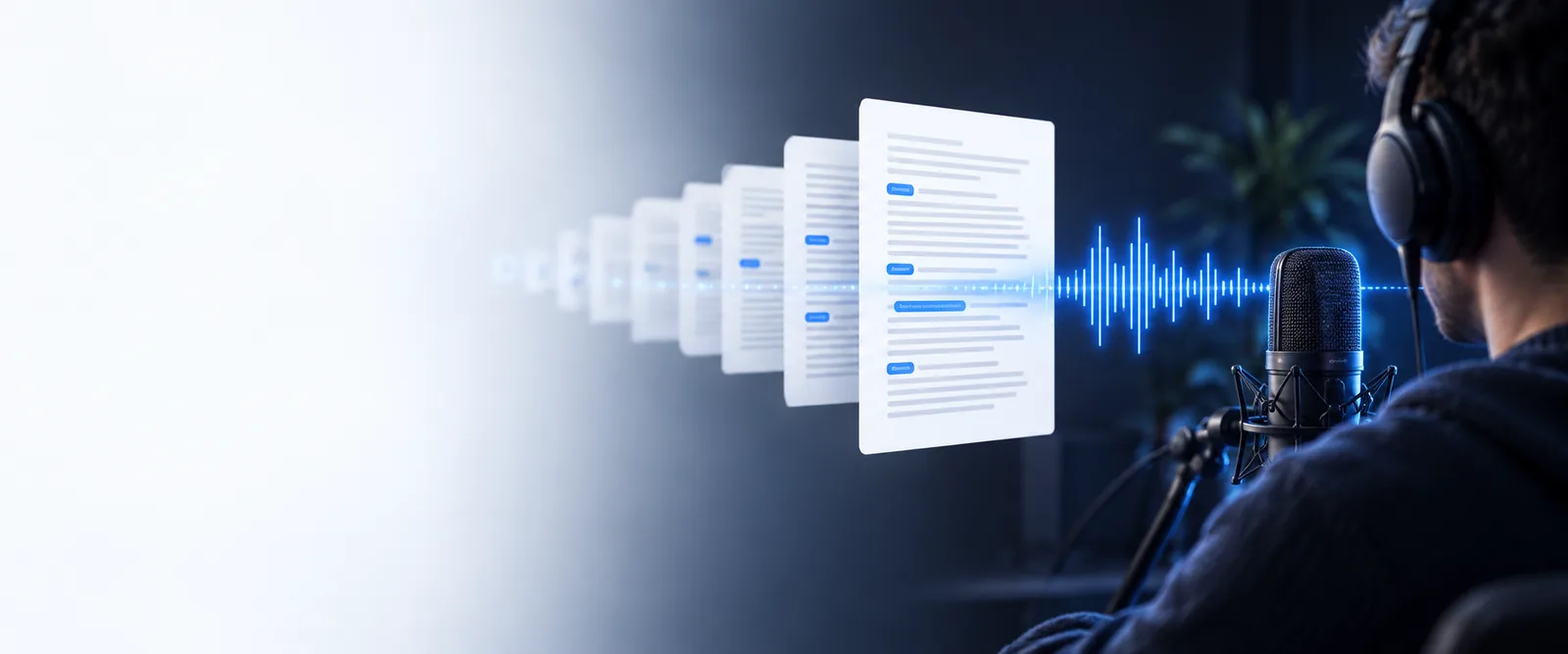
An mp3 audio to text converter online free workflow turns a compressed recording into editable words. Upload your file, check the transcript, and keep the useful parts ready for notes, captions, or follow-up.
Related guides
Explore nearby formats and workflows when your source is not a standard MP3 file.
Practical uses
The same audio to text workflow can support different kinds of listening, research, and documentation.
A lecture or study-group MP3 needs searchable notes before an exam.
Review the transcript instead of replaying the entire recording.
An MP3 interview contains names, quotes, and follow-up ideas.
Create a working draft that is easier to scan and verify.
A podcast or voice memo needs text for captions, summaries, or planning.
Move from spoken material to an editable text outline.
A recorded discussion must be searched for themes and exact wording.
Locate relevant passages quickly, then check them against the audio.
Simple workflow
A short conversion flow gets the words out of the recording, while a final review keeps the result dependable.
Choose the recording you want to process and make sure it is the intended version.
The audio is analyzed and returned as editable text rather than a playable sound file.
Check names, numbers, punctuation, and unclear passages against the original MP3.
Format snapshot
These are the useful boundaries of the MP3-to-text path, not performance promises.
At a glance
The source and result serve different purposes: one preserves sound, while the other makes spoken content easier to scan and edit.
| MP3 recording | Text transcript | |
|---|---|---|
| Primary form | Compressed audio | Readable written content |
| Best for | Hearing tone, timing, and delivery | Searching, editing, and quoting |
| Searchability | Requires manual listening | Words can be scanned and searched |
| Speaker tone | Preserved in the original sound | Usually reduced to words |
| Easy editing | Needs an audio editor | Can be revised like a document |
| Verification | The source to consult | Should be checked against the source |
See the difference
The MP3 preserves the complete sound; the converted version gives you a text layer to inspect, edit, and reuse.
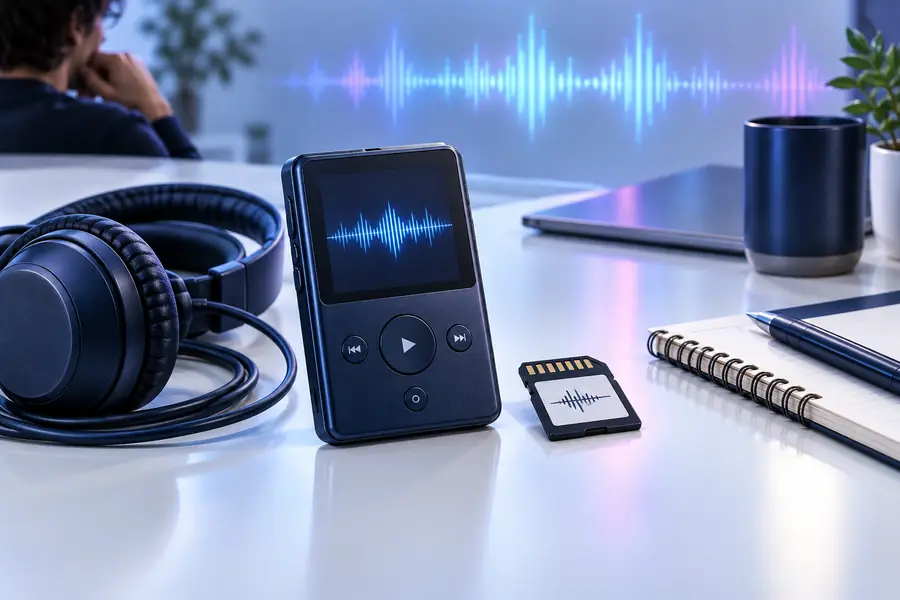
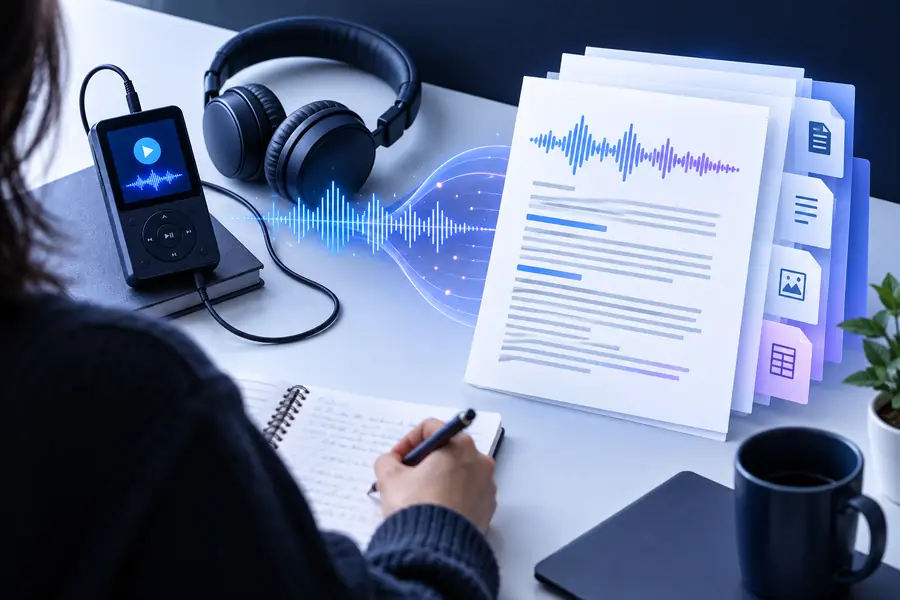
Keep the MP3 nearby for verification.
Before: MP3 audioAfter: editable transcriptKnow the limits
MP3 conversion is useful, but a transcript is not automatically a perfect record of every sound or word.
Music, traffic, room echo, or overlapping voices can make parts of the transcript unclear.
What to do instead
Use the cleanest recording available and replay uncertain passages.
People, places, acronyms, and technical vocabulary may be written incorrectly.
What to do instead
Compare proper nouns with your notes or the original audio before publishing.
Pauses, emphasis, laughter, and emotion are not fully represented by plain text.
What to do instead
Keep the MP3 as the source when delivery or context matters.
A conversation may need manual speaker labels if voices overlap or sound similar.
What to do instead
Review the transcript and add labels using the known order of speakers.
Send a recording through the audio to text workflow, then refine the result with the original sound close at hand. It is a practical starting point for notes, captions, and research.
MP3 questions
Answers to common questions about using an MP3 file as the source for audio to text conversion.
Yes, an MP3 can be used as the source for an online audio to text workflow. Free access may still have practical limits, so review the returned text before relying on it.
The result is a written transcript of the spoken content in the recording. It may not preserve music, tone, overlapping speech, or every nonverbal sound.
MP3 is convenient because it is widely used and usually easy to share. It is not automatically more accurate than another format; recording clarity, background noise, and speaker overlap matter more.
Accuracy depends on the recording quality, accents, vocabulary, and number of speakers. Always check names, figures, and unclear sections against the original audio.
Read through the transcript and correct obvious wording, punctuation, and speaker labels. Then keep the MP3 with the edited text so important passages can be verified later.